AI Tools & Skills
A working guide to the AI tools I use: which model, which interface, and the harness of context, skills and tools around them. The model reasons; the harness supplies context, tools and a way to work.
AI Tools & Skills
A working guide to the AI tools I use: which model, which interface, and the harness of context, skills and tools around them. The model reasons; the harness supplies context, tools and a way to work.
Updated 13 October 2026. Screenshots show earlier product pages and sessions; linked sources carry current product details.
An agent = its model and its harness
The model receives context and proposes responses or tool calls. The harness loads instructions and evidence, runs permitted tools and returns their results to the model. It also manages session history, context limits and approval settings. I shape that harness through the five parts shown here.
01 / 12
Device & getting started
Build the harness in this order. Each step links to its section below.
- 1
- 2
Choose a model
I prefer a monthly subscription. Use the AI Model Selector to choose a model and plan for your work.
- 3
Sign up to GitHub
A GitHub account holds the history of every change the agent makes.
- 4
Download some skills
Skills give the agent repeatable methods. Start with a few from the list below.
- 5
- 6
Follow a process
Give the agent a method to plan, build and check its work. I use pstack.
Start with one model
Choose one model subscription to start. The AI Model Selector compares plans against your work and budget.
The device
The machine runs the harness. The model can run in a provider’s data centre or on the machine itself.
Hosted models
In my desktop setup, Claude Code, Codex, Muse and Grok run locally while calling hosted models. Memory use also depends on the files, browsers and development tools open alongside them.
Internet connection required
My local machine
I use a MacBook Pro with an M5 Pro chip and 48 GB of memory. The local model shares that memory with macOS and the other applications.
My setup · September 2026
Local inference
Model weights and the context window both use memory. I check the model’s requirements and measure it on the machine before choosing a size.
02 / 12
Choose a model
Frontier models offer leading capabilities. Open-weight models make their weights available to download and run. A model can be both. Use the selector to choose for your work and budget.
Choose a plan
Use the selector for model comparisons and subscription choices.
AI Model Selector
I built this for new users. Set the kind of work and a monthly budget. The page ranks the model subscriptions that fit.
On this site
My local model setup
I use MLX LM to serve a Qwen model on my M5 Pro through a local API. My Goose configuration connects to the same server to work with tools and files.
03 / 12
Interfaces & execution
The interface is how you interact with an agent. Execution location is where its tools run and its working files live.
Interfaces
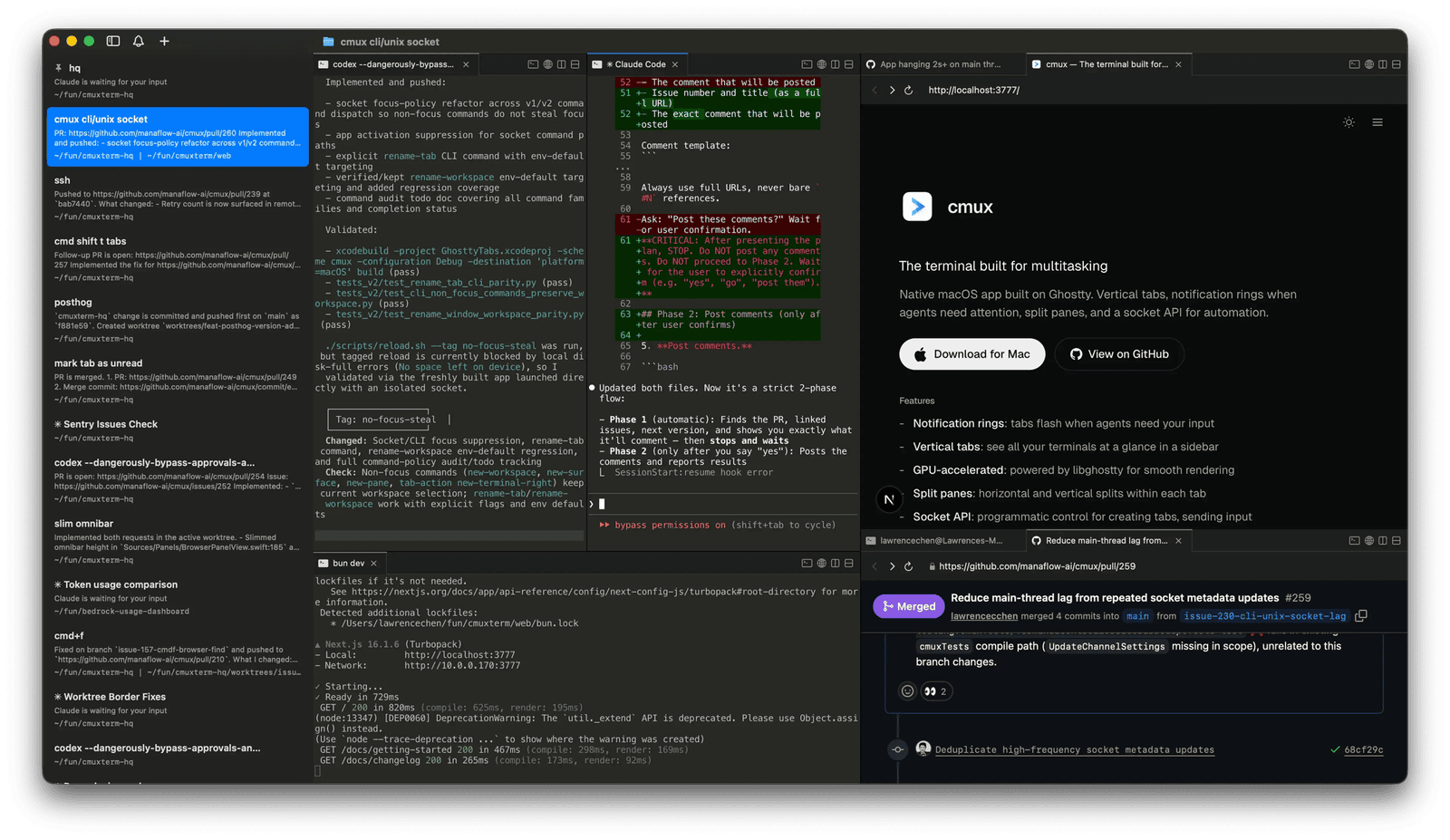
Choose a terminal workspace, editor or standalone app. cmux is my preferred terminal workspace.
Terminal
cmux
Open source · Free
My preferred terminal workspace on macOS, built on Ghostty with vertical tabs, split panes and notification rings. I run terminal agents inside cmux to read project files, use tools and follow shared instructions and skills.
VS Code
A code editor where you can work with project files and run an agent in the integrated terminal.
Code editor
Cursor
A code editor with integrated AI tools for working on a project.
Editor with AI tools
Individual apps
Standalone desktop, browser and mobile interfaces for conversation, research, images or voice. I use Claude for thinking through a problem and ChatGPT for conversation, images and voice.
Where the agent works
Cloud execution lets delegated work continue while your laptop is closed. Provider-hosted and self-hosted describe who manages the agent’s computer.
On your computer
The agent runs tools against files on your computer. In my desktop setup, the agents usually call hosted models. Local model inference is a separate choice.
Provider-hosted cloud
The provider manages the computer. Grok Bot has a browser, files and a terminal. I send it a task as a message; it signs in to tools and asks before actions that need approval.
Self-hosted
I run Hermes on a Hostinger VPS for scheduled market data, X and newsletter digests, investment analysis and vault maintenance. I manage the server and inspect its output and session records. My server uses Codex sign-in.
A desktop interface can control a cloud agent. A self-hosted agent may call a hosted model. Model inference location and tool execution location are separate choices.
Menu-bar tools
Small native apps that keep an agent fleet in view.
Menu bar
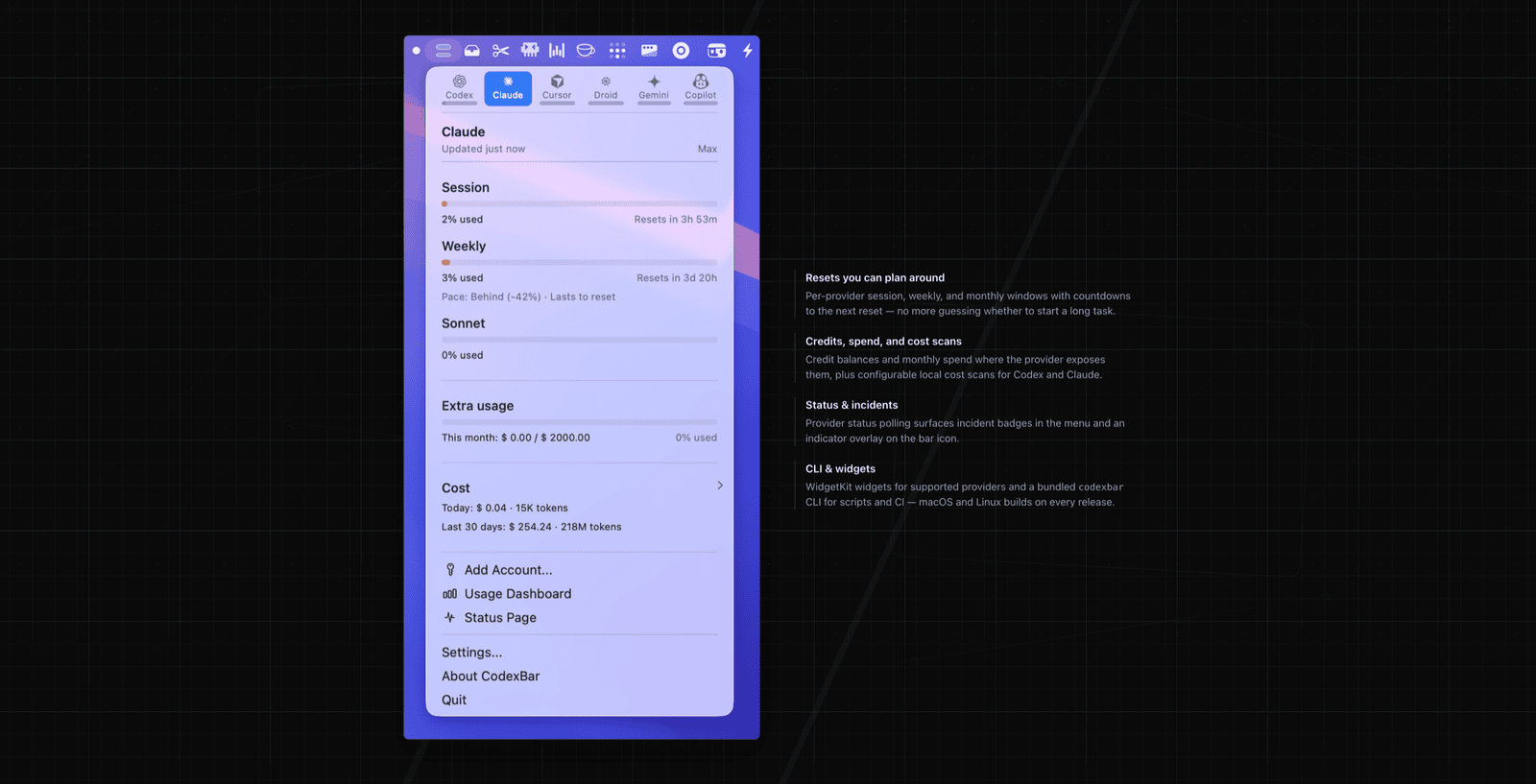
CodexBar
Open source
Shows provider usage and reset times in the macOS menu bar. I check it before assigning work.
RepoBar
Keeps GitHub work in view from the menu bar - CI status, open issues, pull requests, releases and rate-limit health for every repo you follow.
Open source · Free
Desktop utilities
Tools for screenshots, reading Markdown and arranging the desktop.
Magnet
I use Magnet to arrange application windows side by side. It snaps them into place with keyboard shortcuts or by dragging.
Window management
Plash
Displays a web page as the Mac’s desktop wallpaper. I use it for a custom calendar that updates the date.
Desktop calendar
Shottr
I use Shottr to capture screenshots, annotate them and copy the image or extracted text into an agent conversation.
Screen capture and markup
Typora
I use Typora to read Markdown files in a clean, formatted view.
Paid app
04 / 12
Context & knowledge
How I feed and maintain the context the agents work from.
The vault
I keep separate vaults for different work. Each is a folder of Markdown files and attachments.
Knowledge base
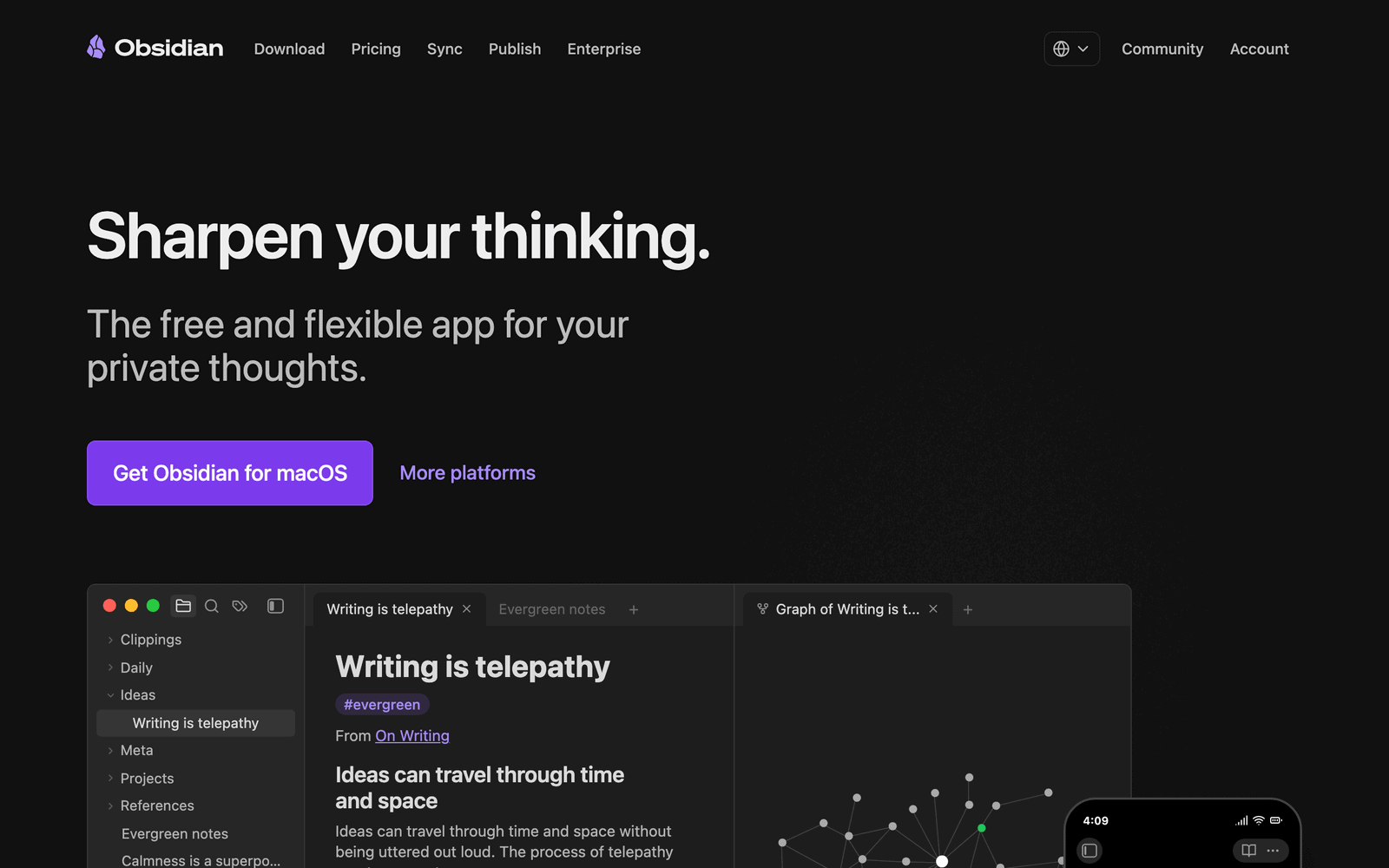
Obsidian
Free · optional paid services
My notes and project evidence live in local Markdown files. Agents can read them with file tools. A hosted model receives the content loaded into its context.
Dataview creates lists and tables from note fields.
Obsidian core
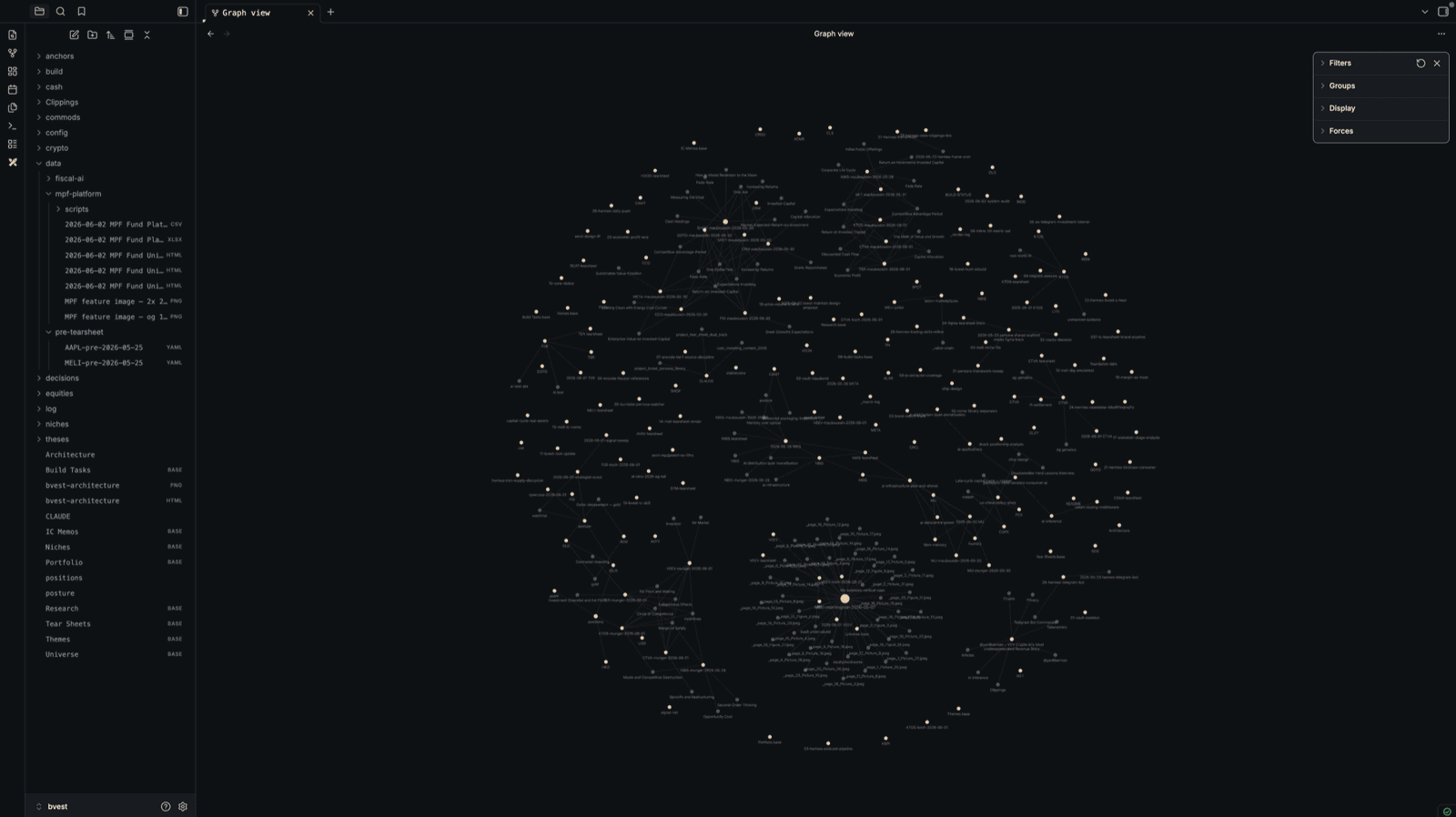
Graph
Free with Obsidian
Notes are nodes and links are connections. The graph lets me inspect relationships between notes.
Plugins & knowledge bases
The views, capture tools and reference structures I use with my notes.
Web Clipper
Saves web content into a vault with source details and metadata. I check the saved text before using it as evidence.
Sync
Synchronises my vaults across devices, with end-to-end encryption and version history.
Paid service
Excalidraw
Hand-drawn diagrams and sketches you draw straight inside a note, kept alongside the writing.
Open source
Bases
Obsidian’s built-in way to turn a folder of notes into a database view - filter, sort and group without leaving the vault.
Free with Obsidian
My wiki workflow
I create wiki vaults with the wiki workflow in my vault-setup skill. It sets up source folders, page templates and instructions for agent-maintained knowledge.
Based on Andrej Karpathy’s LLM wiki pattern.
Marker
Converts documents into Markdown and structured text. I check the extracted tables and figures against the source.
Source available
05 / 12
Connections & tools
A CLI (command-line interface) and MCP (Model Context Protocol) give agents access to tools. An API (application programming interface) lets software request data or actions from another system. The data sources below supply information through APIs.
MCP tools
An MCP server exposes tools the harness can call. These are the connections I use for files, repositories and browser checks.
QMD
Searches my indexed Markdown collections with lexical and vector retrieval, then reranks the results. Agents can call it through MCP.
Local search
Playwright MCP
Gives an agent browser tools to open pages, click controls and inspect the result. I use browser checks when building websites. Playwright also has a code API for scripted checks.
Browser connection
GitHub MCP server
Gives an agent tools to read repositories and work with GitHub issues and pull requests.
Repository connection
Command-line tools & GitHub
The shell is another way to reach tools. GitHub keeps the project history and the decisions around each change. Printing Press builds command-line tools for APIs and can expose MCP tools.
gh CLI
The agents use GitHub’s command-line client for issues, pull requests and build checks.
Command-line tool
Git worktrees
Each agent gets a separate checkout and branch. This keeps concurrent edits in separate working directories.
Built into Git
Private network
Tailscale
Connects my machines through a private network. It supports remote access to services and SSH across that network.
Device connections
Browser connections
These connect agents to web pages.
Claude in Chrome
Connects Claude Code to the Chrome extension so it can read pages and interact with browser tabs.
Browser extension
Data sources
These services supply data through APIs.
Financial Modeling Prep (FMP)
Provides financial statements, market prices and analyst estimates through an API.
Financial data
twitterapi.io
Hermes uses this third-party API to fetch posts from the accounts I track and prepare the X digest. Its fallback is X’s official MCP service, reached through xurl.
X capture on my server
06 / 12
Skills & plugins
Ways of working, written down. A skill holds instructions in a SKILL.md file, with scripts and references when needed. The agent reads it when the task calls for that workflow.
Third-party skills I use
These are the skills I return to across my work. Check each project’s installation instructions for the agent you use.
One of the research skills I recommend most. It searches recent discussion across social and web sources, then produces a summary with sources.
Useful for checking what people are saying about a topic now. Source coverage depends on the connections you configure.
A favourite for presentations in the browser. It builds an HTML deck from a brief or converts a PowerPoint file. You choose a direction from visual previews, then refine the slides.
The output is a single HTML file with its styles and scripts included. It ships as a Claude Code plugin; other coding agents can read its skill files.
The design skill I use for websites and interfaces. It helps set the direction, then critique and refine the result. I use it to check the page in the browser at desktop and mobile widths.
Builds architecture and process diagrams as self-contained HTML with SVG. It can redraw Mermaid or draw.io diagrams and export SVG or PNG.
I use a version adapted to my site’s type and colours.
Gives an agent tools to inspect application behaviour and compiled software. I recommend it for understanding how shipped software works or comparing versions.
Other skills I return to
Other workflows for research, engineering and documents.
The Printing Press
Builds and tests Go command-line tools for APIs, with an optional MCP server and skill for the new tool.
API integrations
hands-on-deck
Helps agents inspect, edit, create and check PowerPoint files.
PowerPoint
Check your agent’s bundled skills first; your setup may already include skills for PDF, Excel, Word and PowerPoint.
How skills, plugins and commands fit together
A skill describes a workflow. A plugin is an installation package: it can contain skills, tool connections and hooks. I group them here by the work they help me do.
Built-in commands control the application. For example, /model changes the model in Claude Code and Codex. A slash can also invoke a skill: Claude Code’s /loop runs a bundled workflow. The prefix alone does not tell you which kind it is.
Claude plugins ↗ · OpenAI plugins ↗
My own skills
I created around 90 skills and selected eight to publish for knowledge workers. These support analysis, research, writing and presentations with terminal agents. The public collection includes installation guidance and my main AGENTS.md instruction file, rewritten for use on other machines. For charts and data-led explanations, I use my own Tufte skills.
My Public Agent Skills · Read public-skills on GitHub ↗
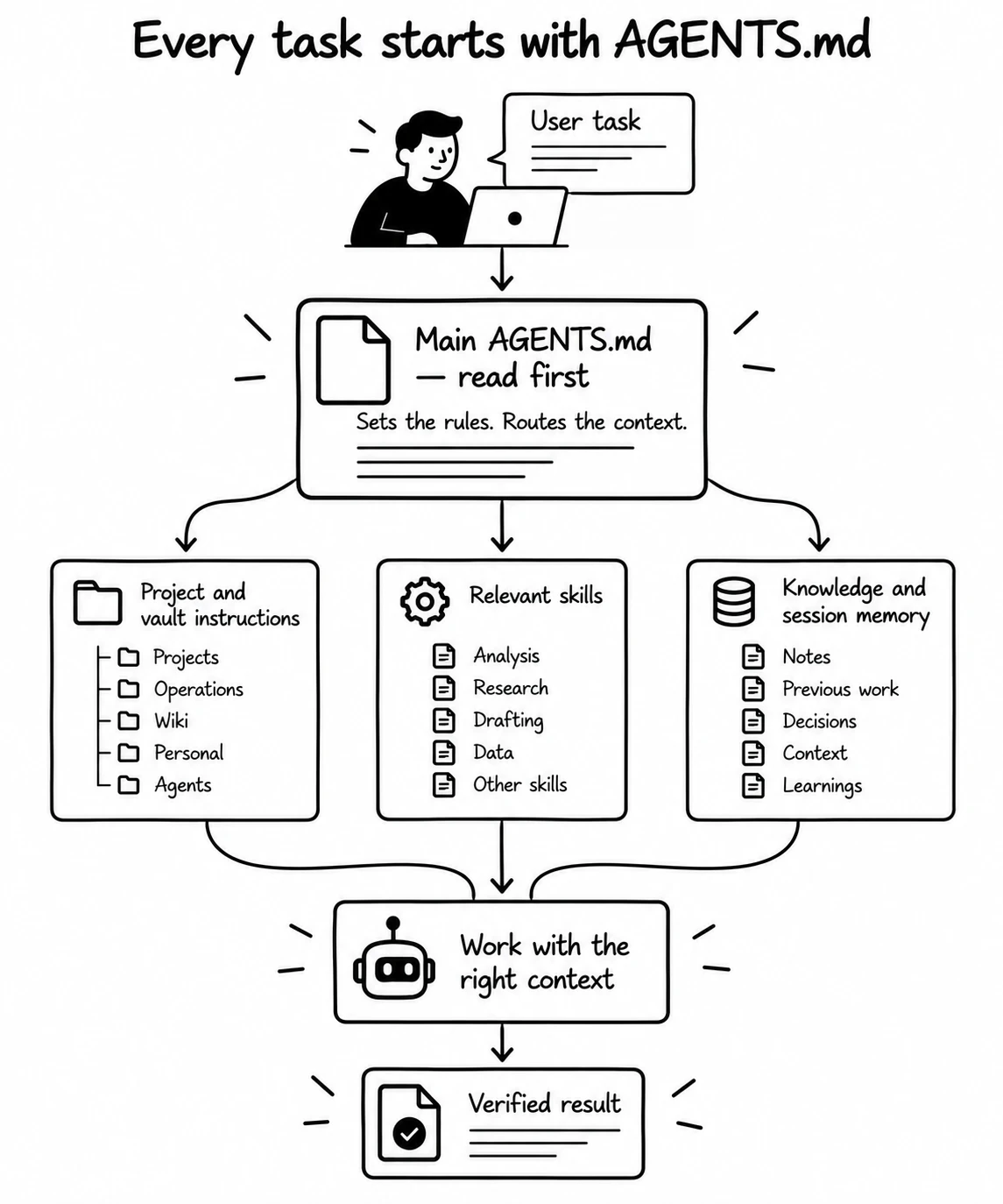
AGENTS.md
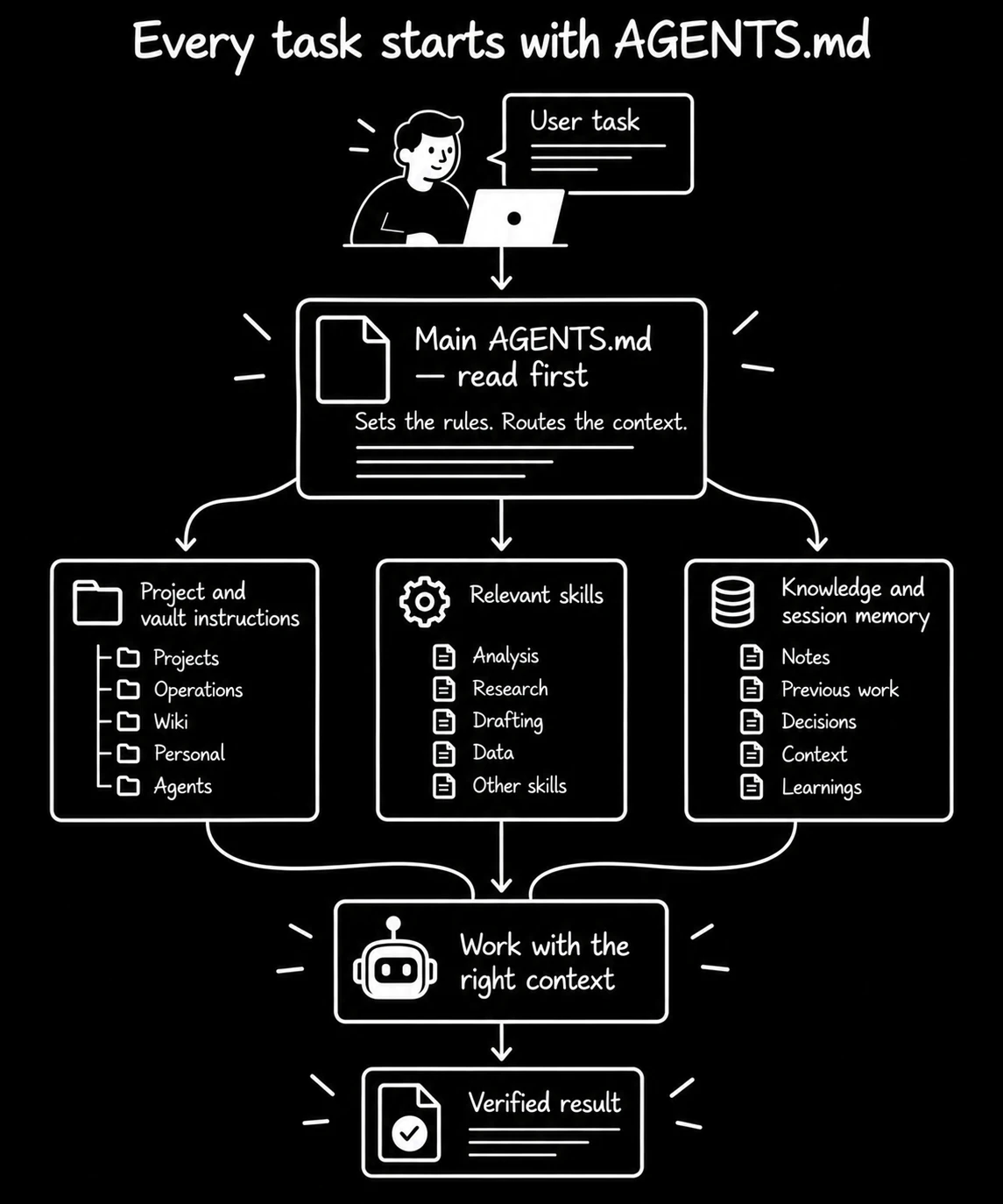
The main AGENTS.md is the entry point for the whole setup. It sets shared rules and directs the agent to the project or vault instruction file, the relevant skill and the session knowledge needed for the task.
Use the public example as a starting point and adapt its paths and rules to your machine. Keep local instructions at each project or vault root so the agent reads the rules for the place where it works. The collection includes this public instruction file.
vault-setup
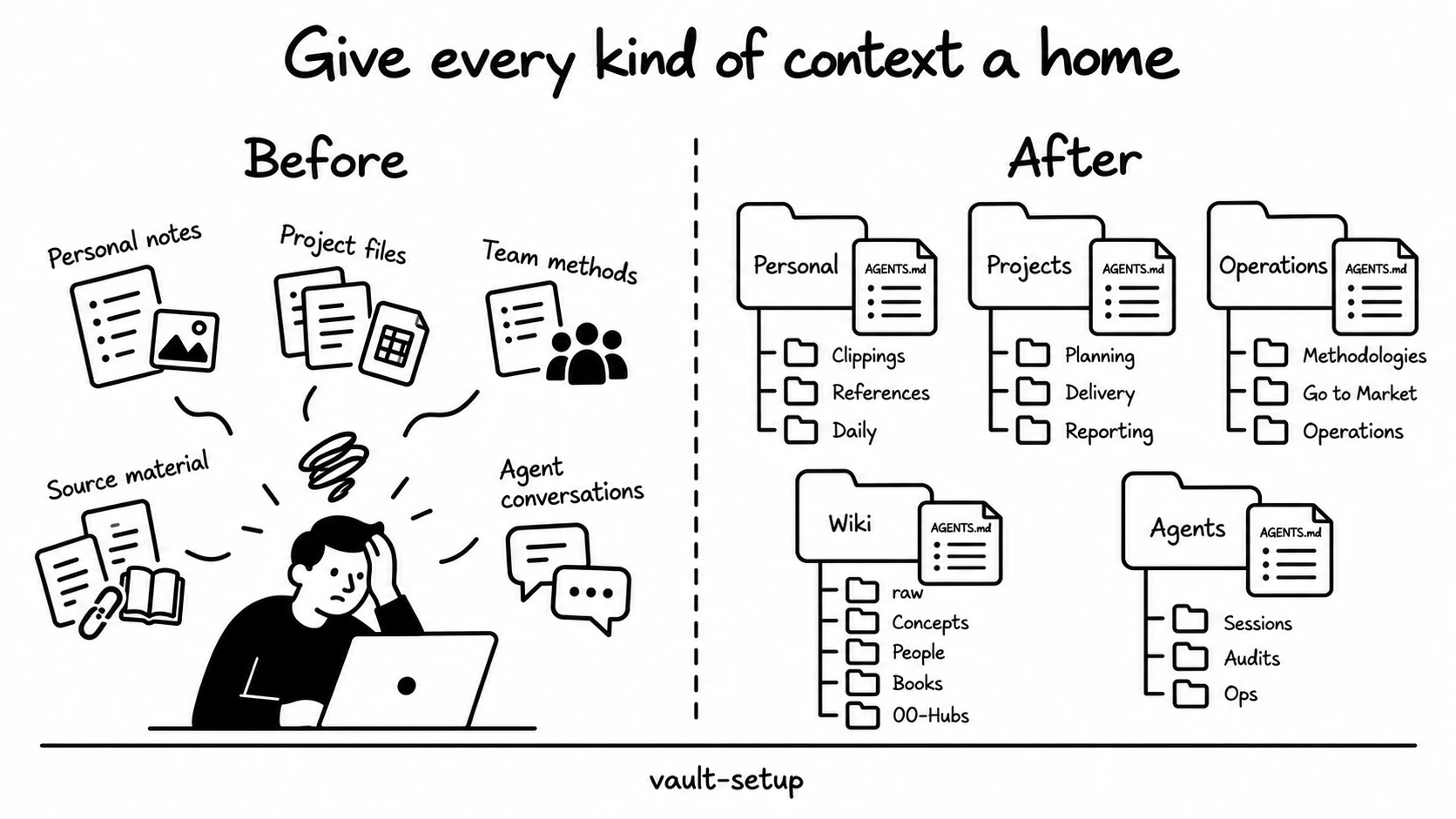
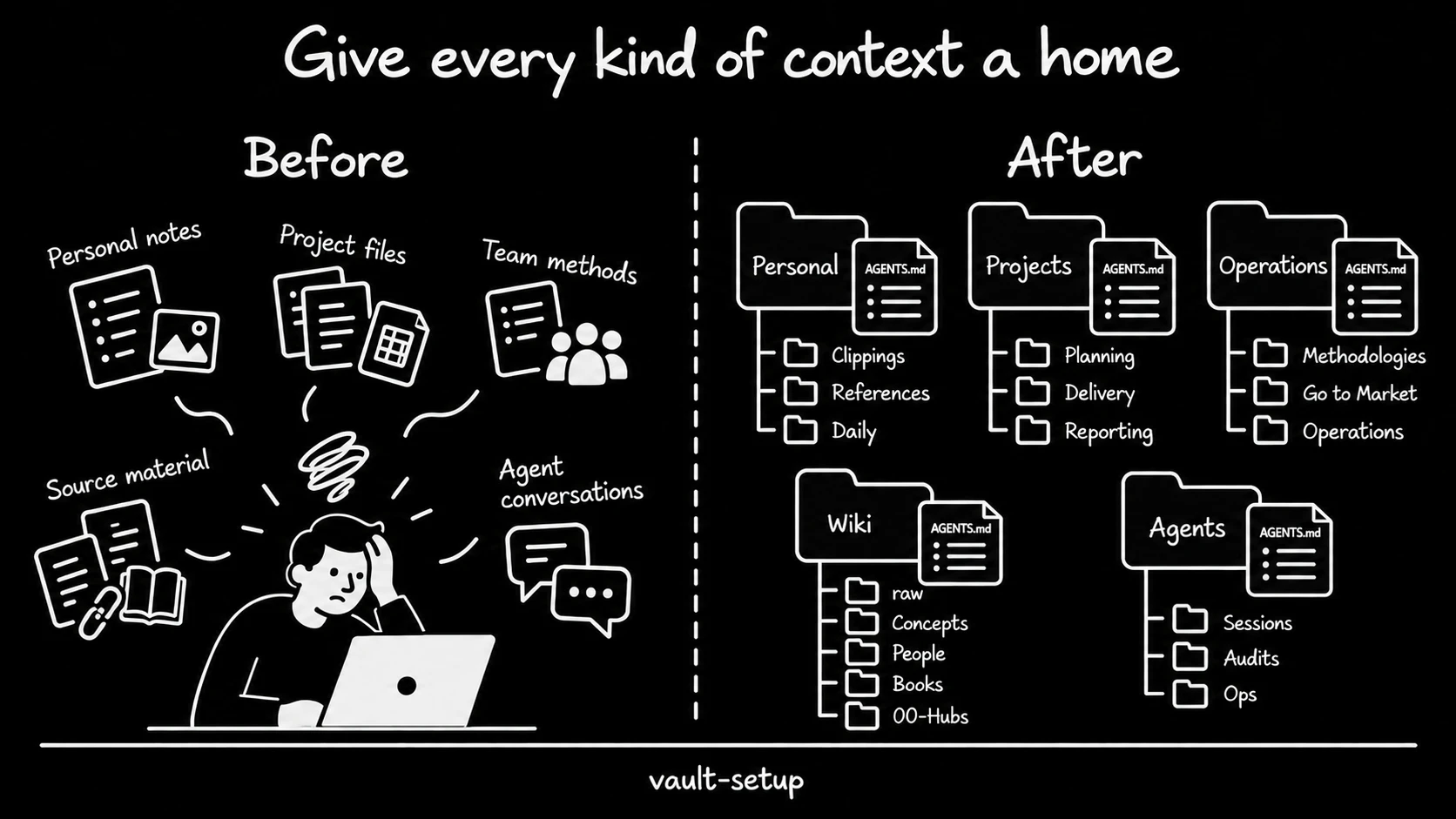
Creates a Markdown knowledge vault for Personal, Projects, Operations, Wiki or Agents work. Each type has its own folder structure, starter templates and an AGENTS.md instruction file. A projects vault organises work into Planning, Delivery and Reporting. A wiki separates raw sources from Concepts, People, Books and 00-Hubs.
The skill asks for the vault type, purpose and location, then shows the proposed structure before it writes. Search registration is optional. Use /vault-setup, or ask your agent to create a projects vault for a named piece of work.
recall
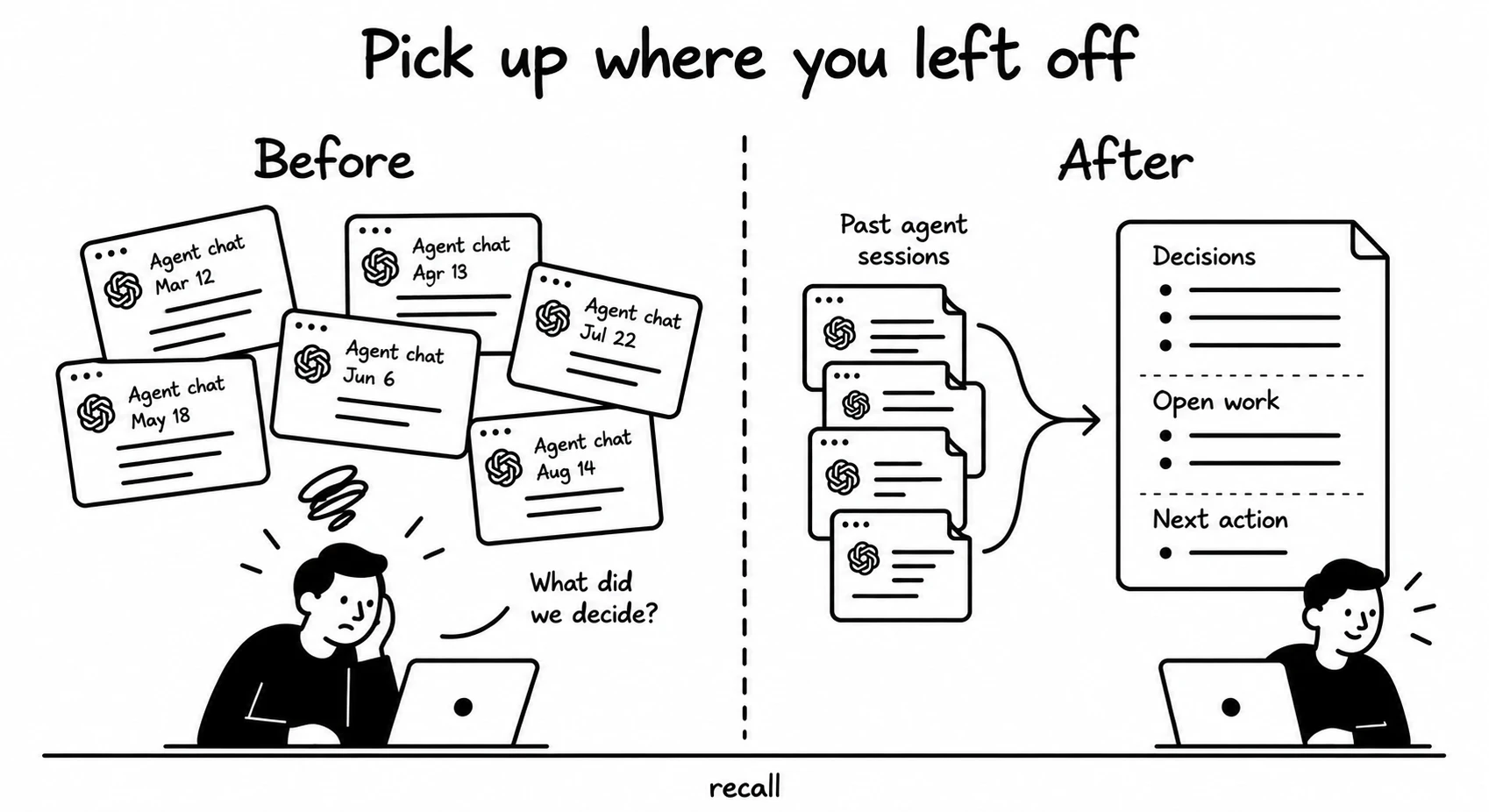
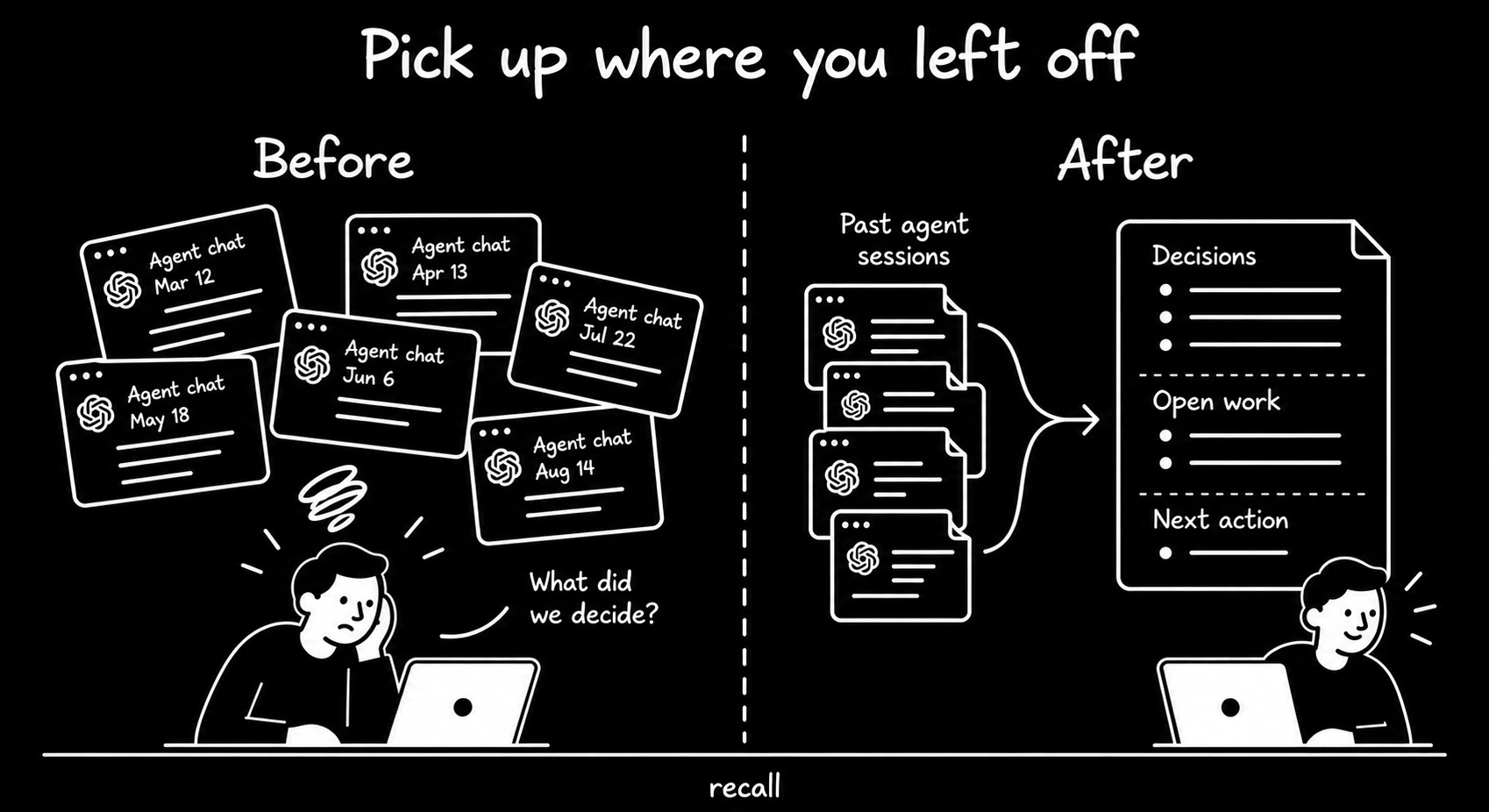
Finds past work by date or topic, or builds an interactive HTML graph linking sessions to the files they touched. It reads session notes first and opens native Claude Code or Codex transcripts for missing detail. The result ends with one concrete next action.
Use /recall yesterday to recover recent work, or /recall followed by a topic. Date queries need Python; graph mode also needs networkx and pyvis. Topic queries need a search tool over your notes, with file search available when an index is absent.
retrospective
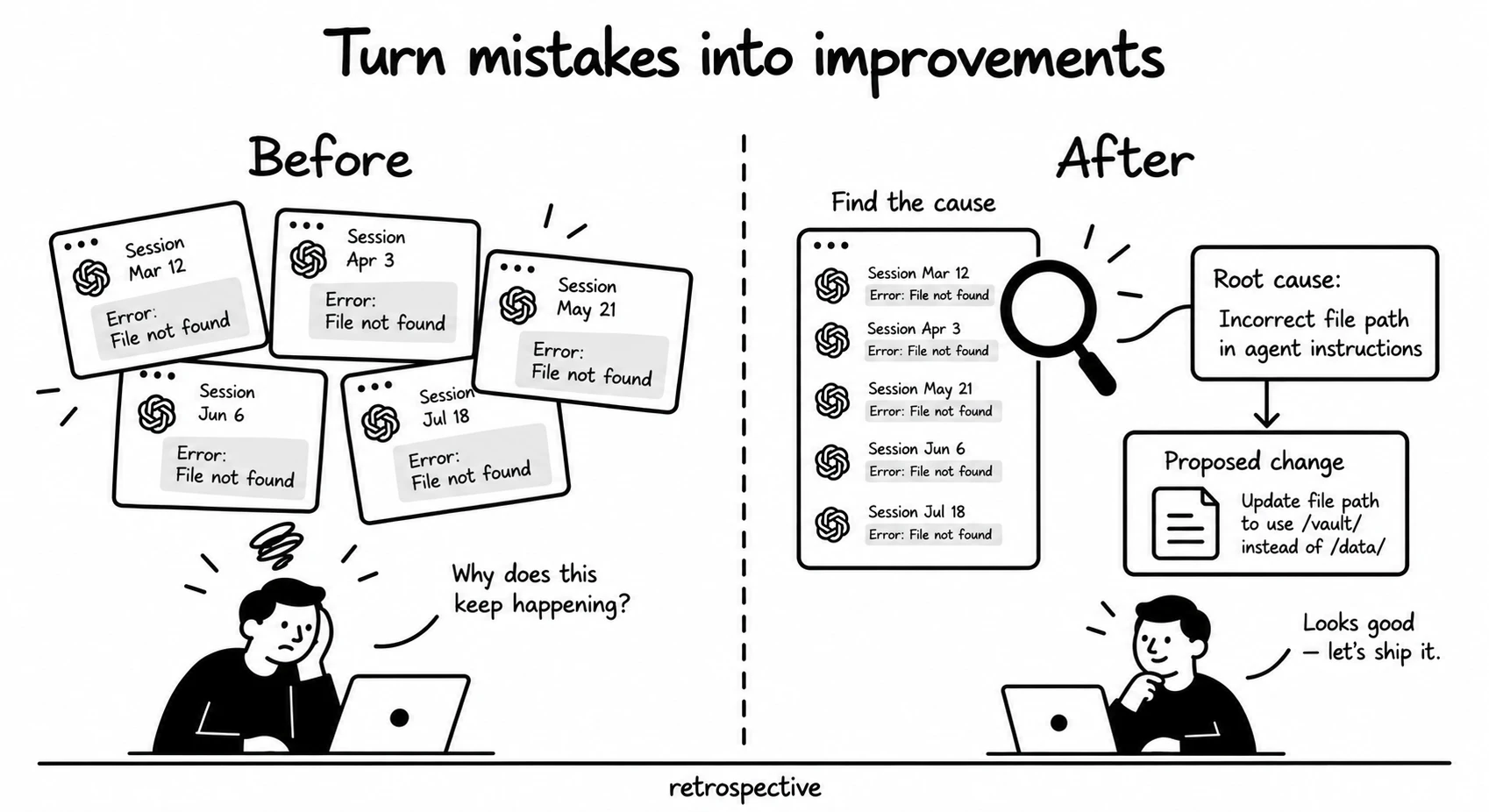
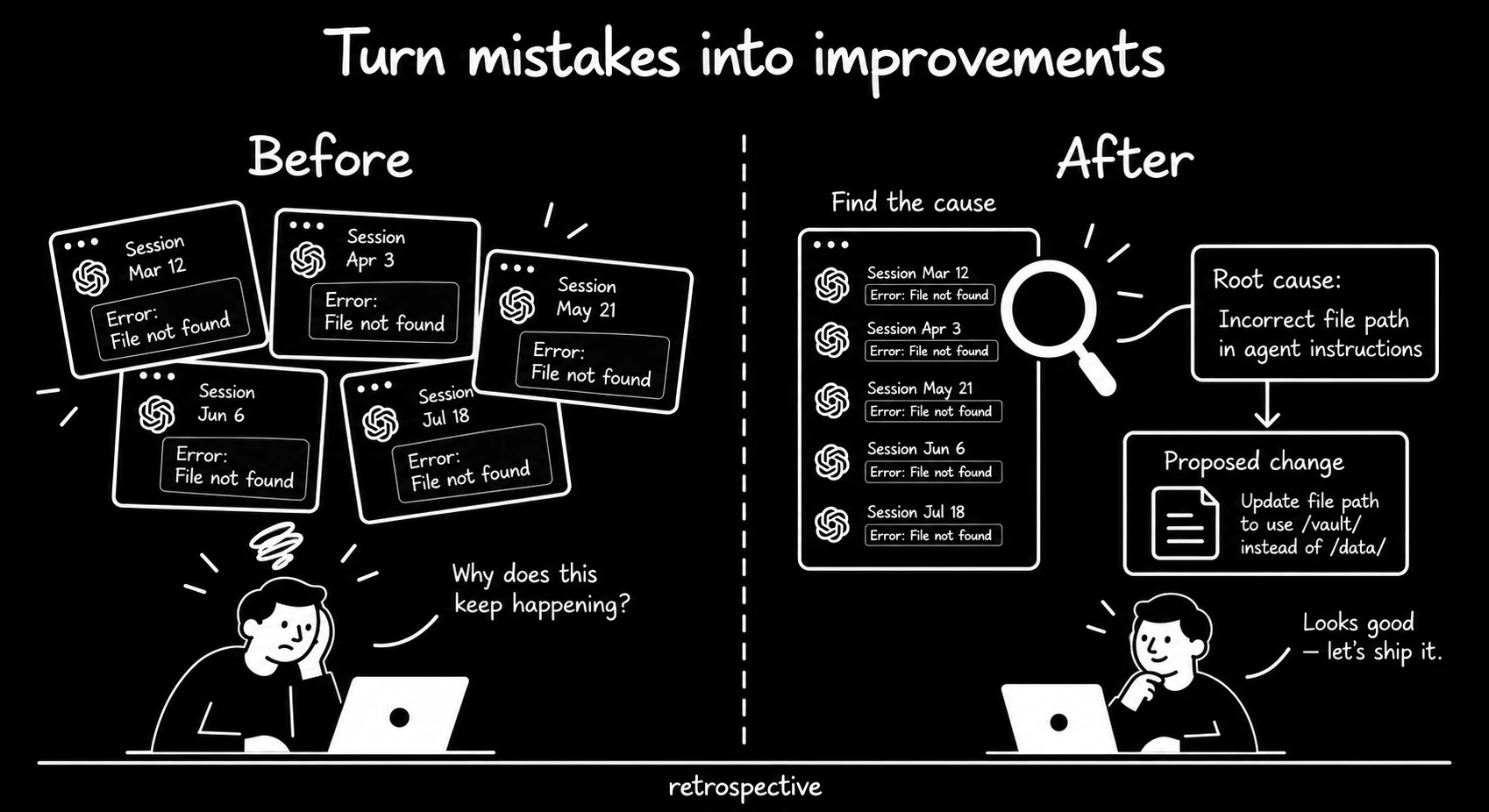
Reviews the current conversation, a named incident or up to ten recent substantive sessions for one repository. It checks the source evidence for repeated problems and proposes up to three small changes.
Use it after repeated corrections or a failed workflow. Install recall for historical evidence. It can review the current conversation alone, and it applies changes only within the approval you give it.
orchestrator
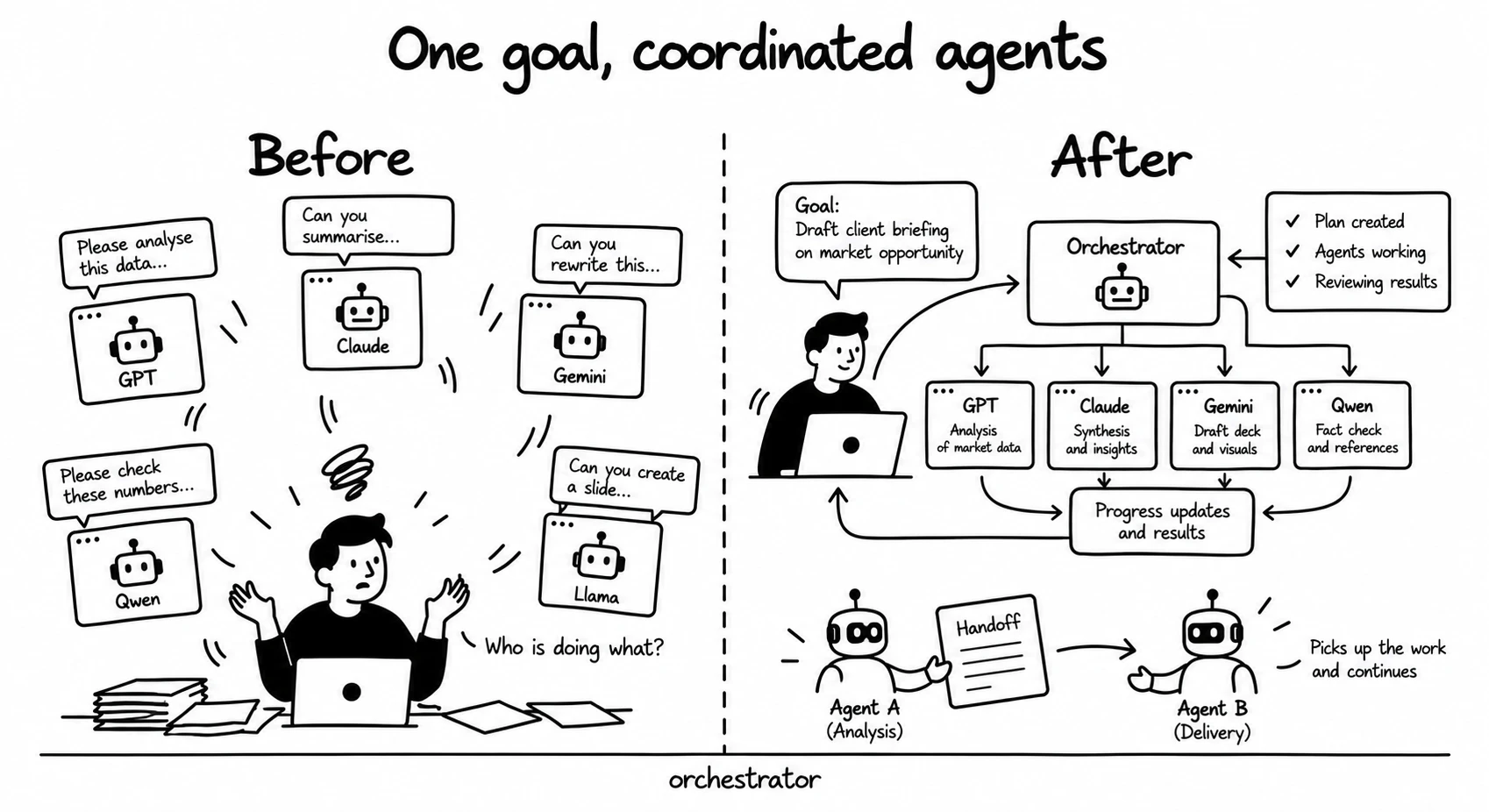
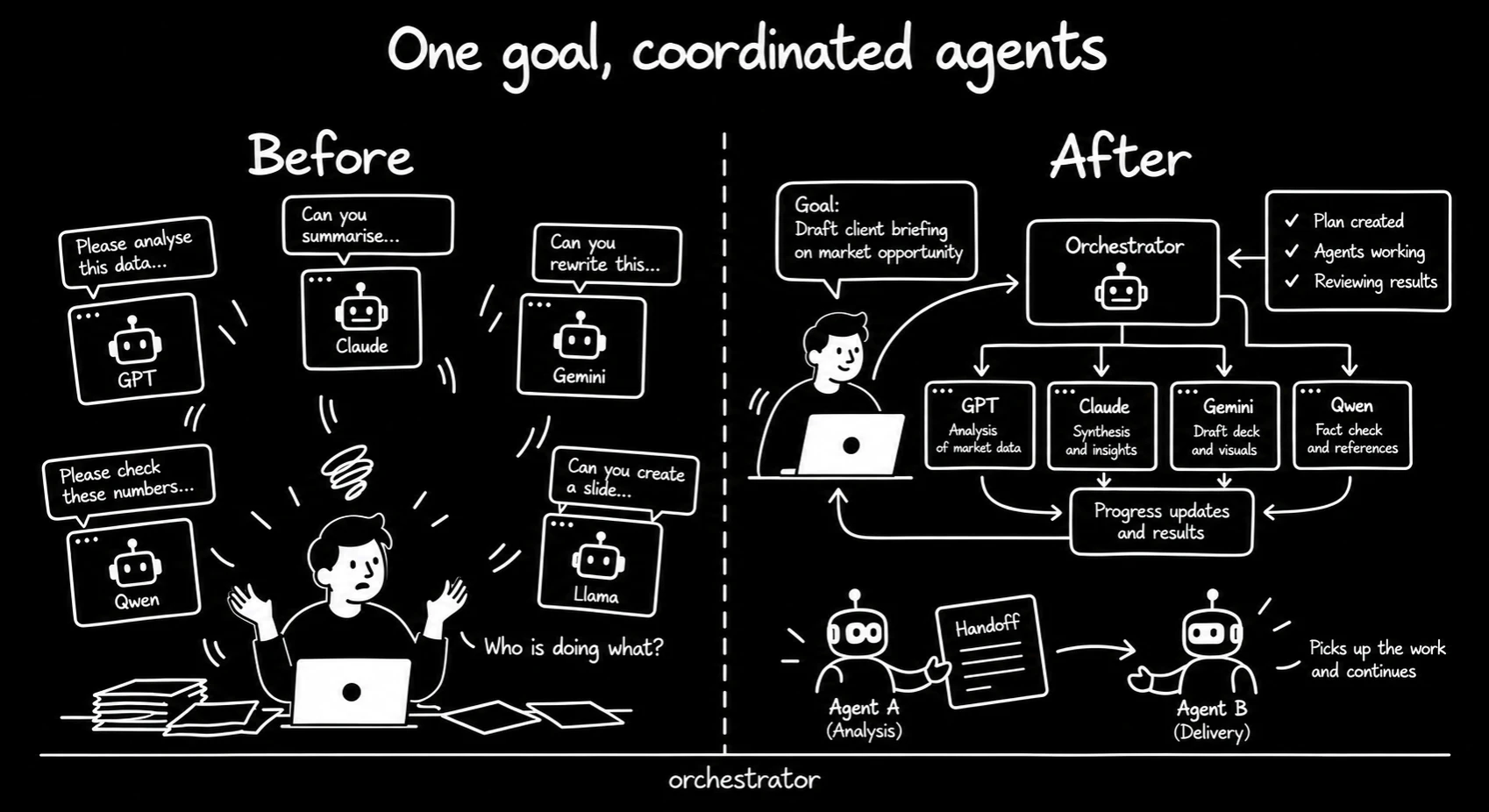
Coordinates agents in separate cmux workspaces. It assigns a work category, resolves a model and effort level, checks capacity where configured and records the route. For a handoff, it writes a brief before opening the next workspace.
Use it to divide a goal between workers or continue work in fresh context. Install the cmux companion skill and PyYAML. Configure the placeholder routing table and model metadata, including a second provider, before dispatching work.
cmux
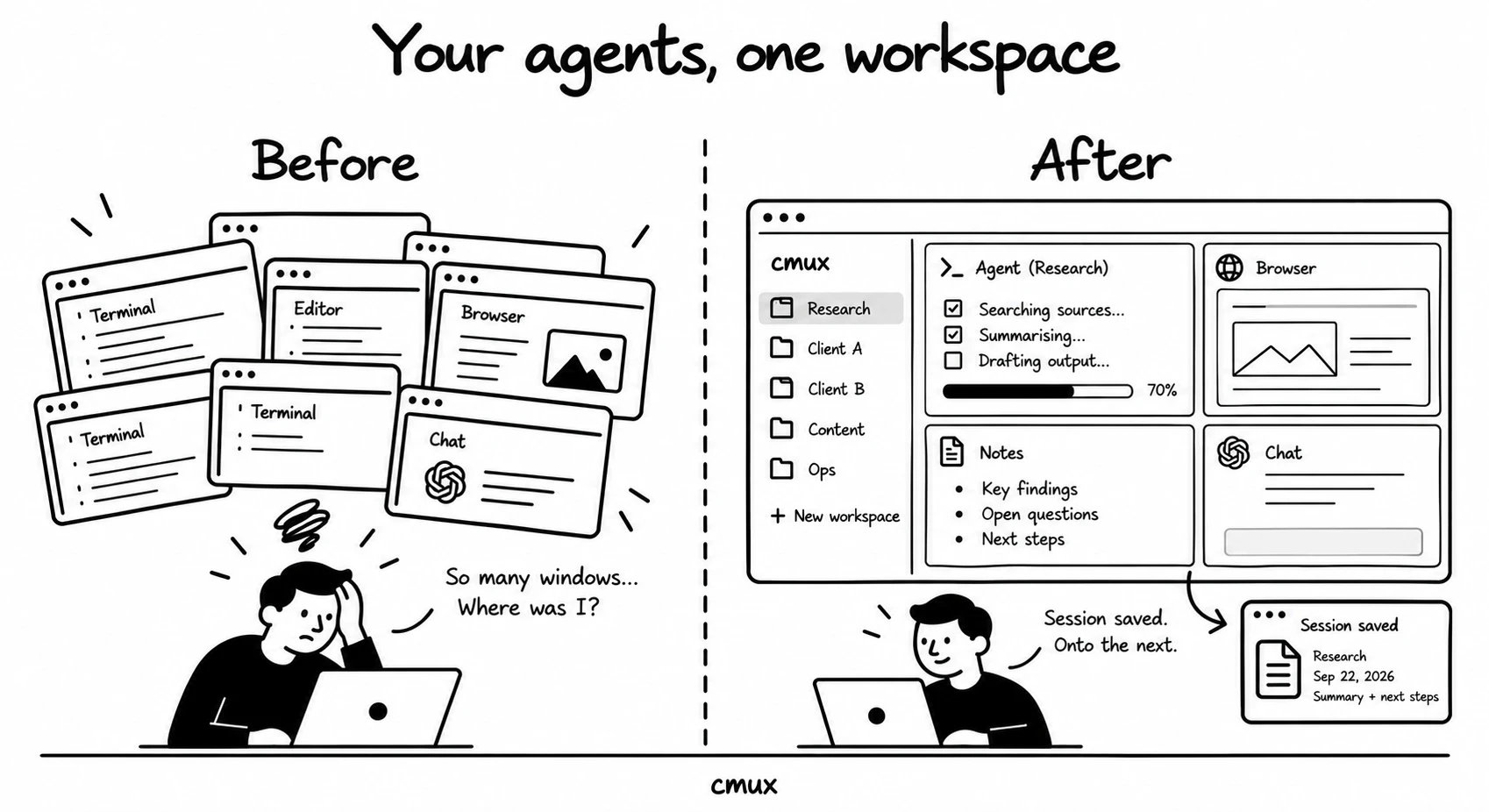
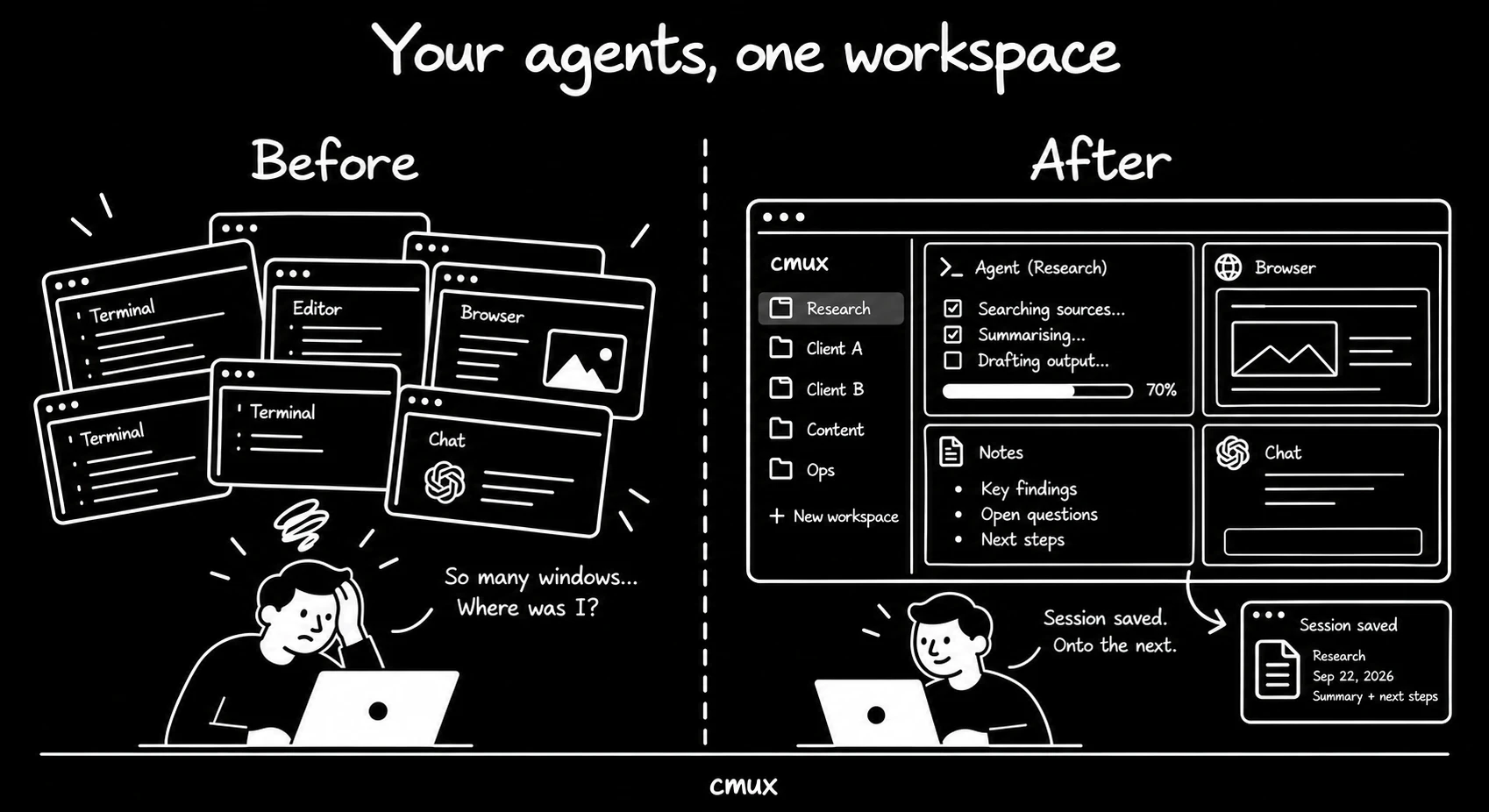
A skill I created for CMUX, my command-line interface of choice. It manages workspaces and browser panes. Its helpers launch an agent with a prompt, model and effort level, write a session note and close the workspace with its note marked done.
Use it to start a named workspace, inspect its screen or open local HTML in a browser pane. Install the cmux application on your command path and the orchestrator companion skill, which supplies the routing policy.
graph
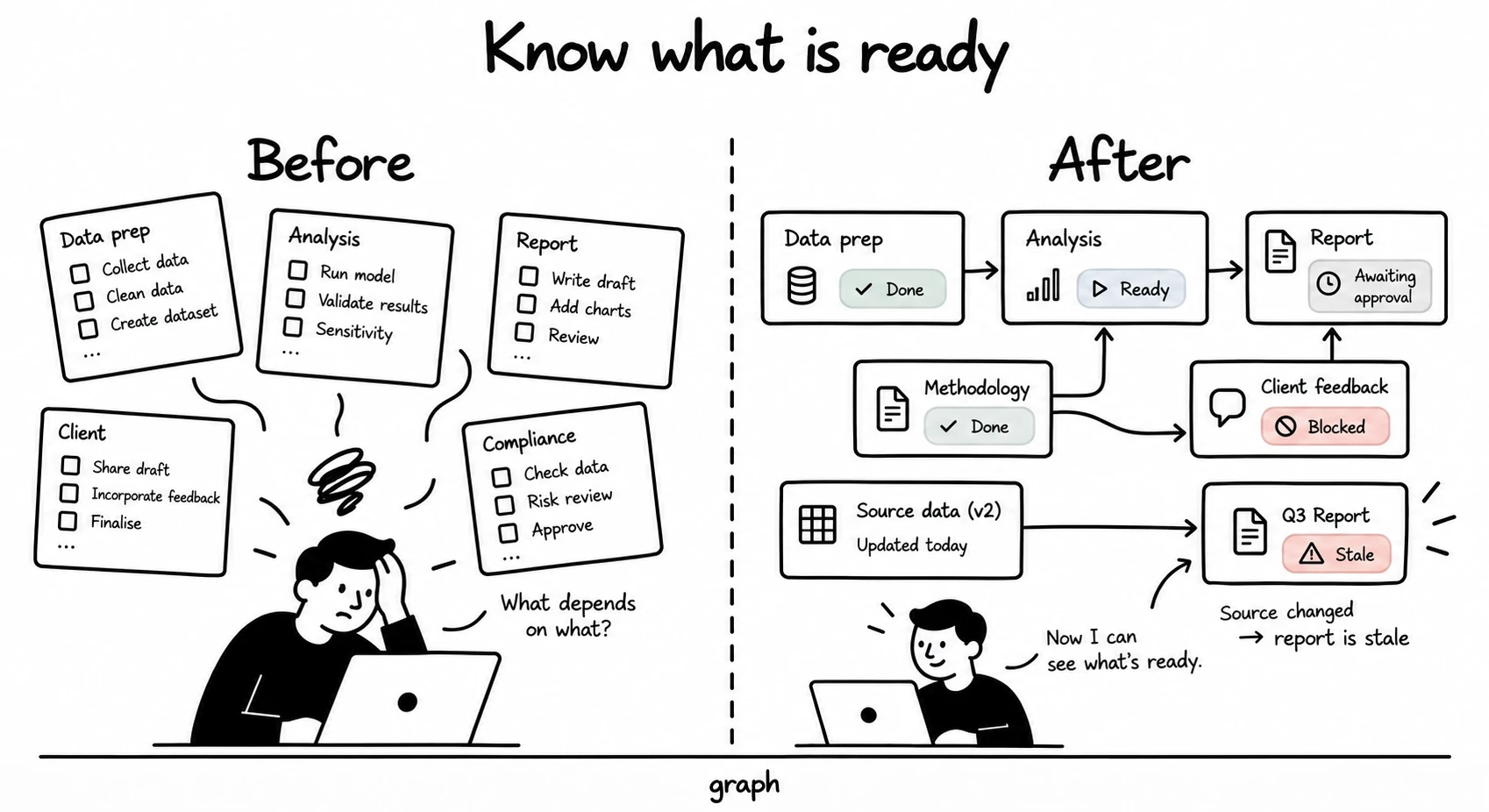
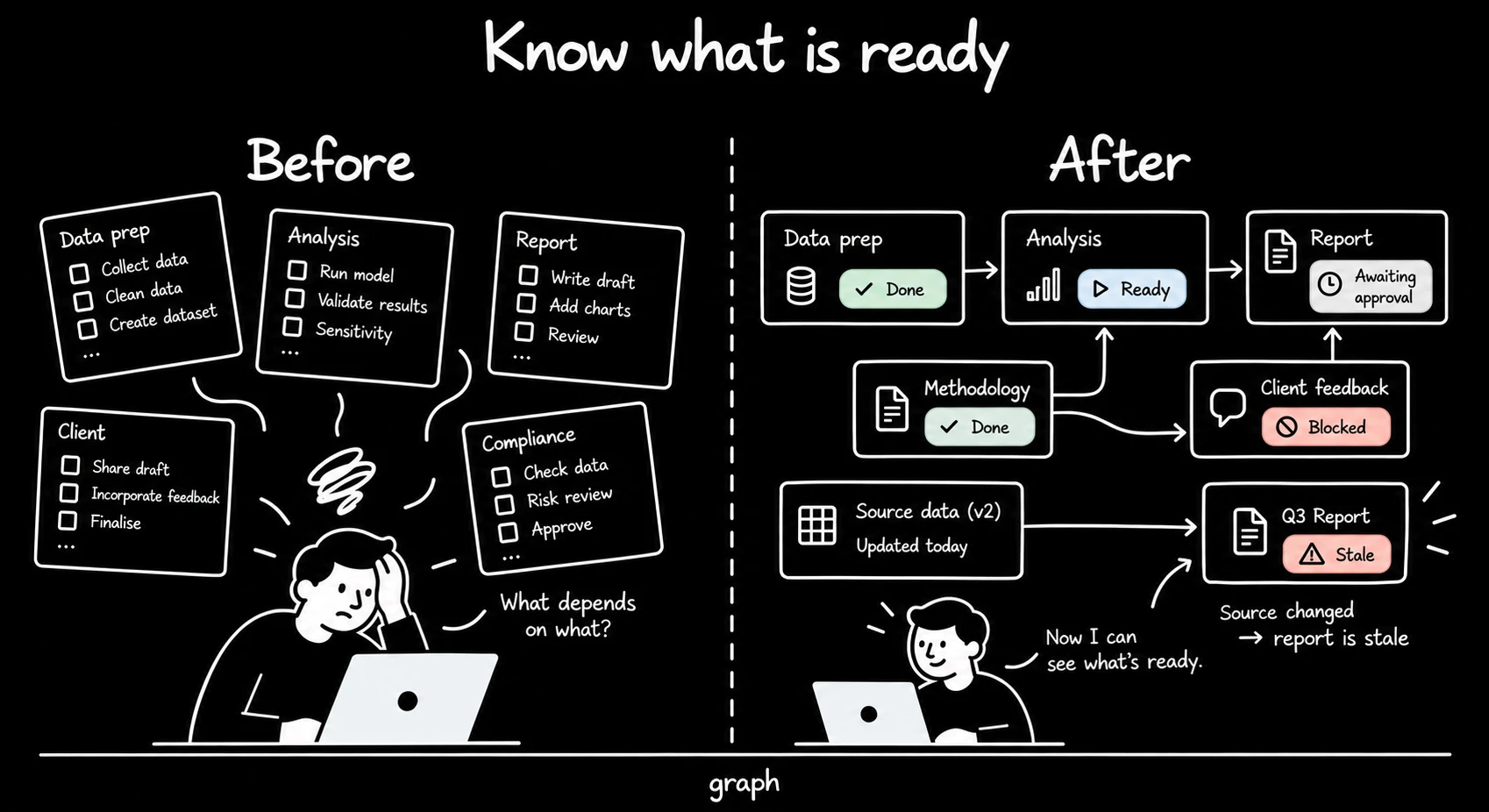
Tracks a programme of work in a YAML state file and renders it as a self-contained HTML dependency graph. Nodes record status, inputs and outputs. A node becomes stale when input content changes after its output was built.
Use it for work with dependent deliverables and approval gates. Install PyYAML, declare the inputs and outputs you want checked, and rerun the renderer after status changes. The event log records transitions; gates remain human decisions.
editorial-review
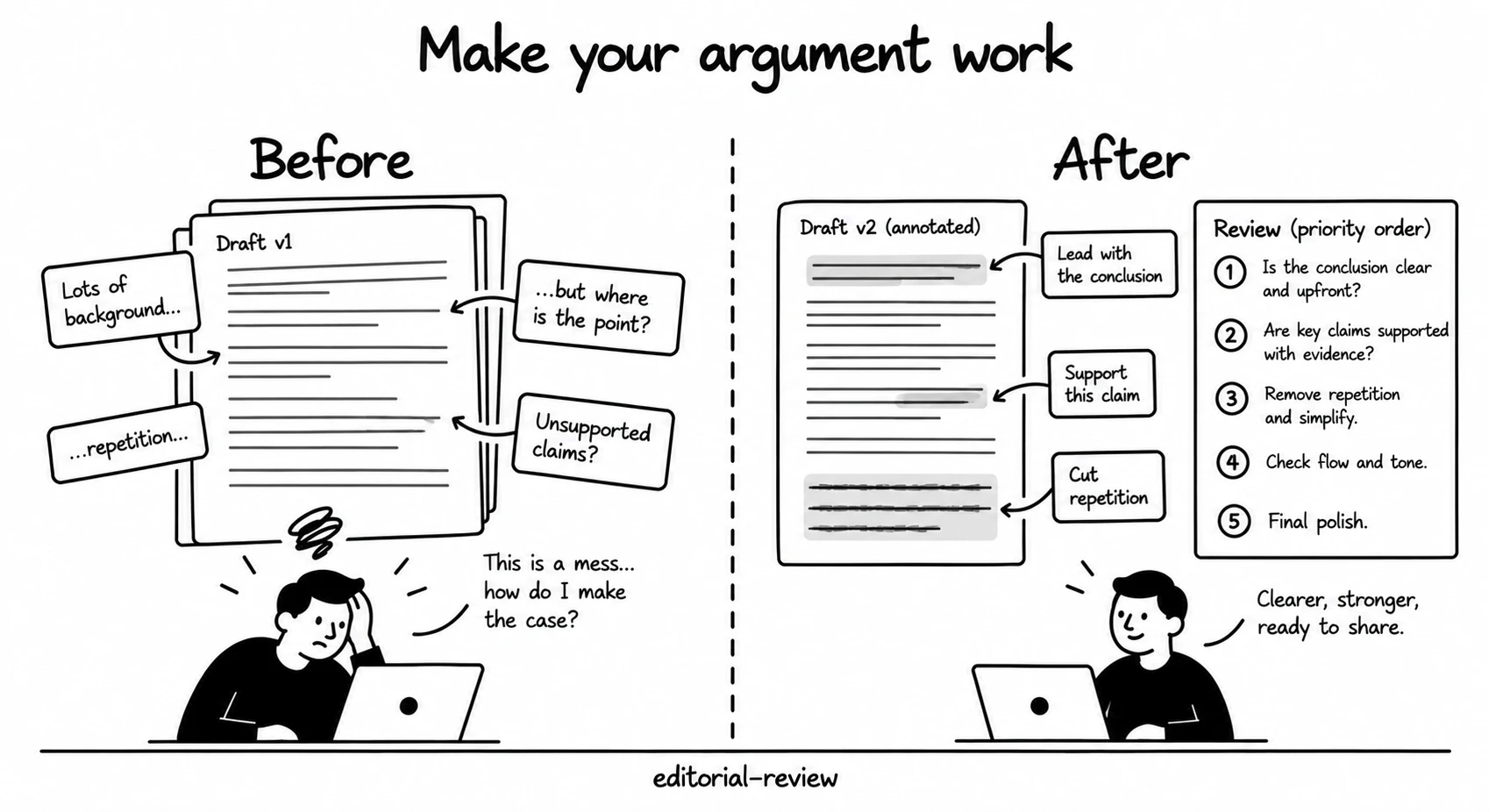
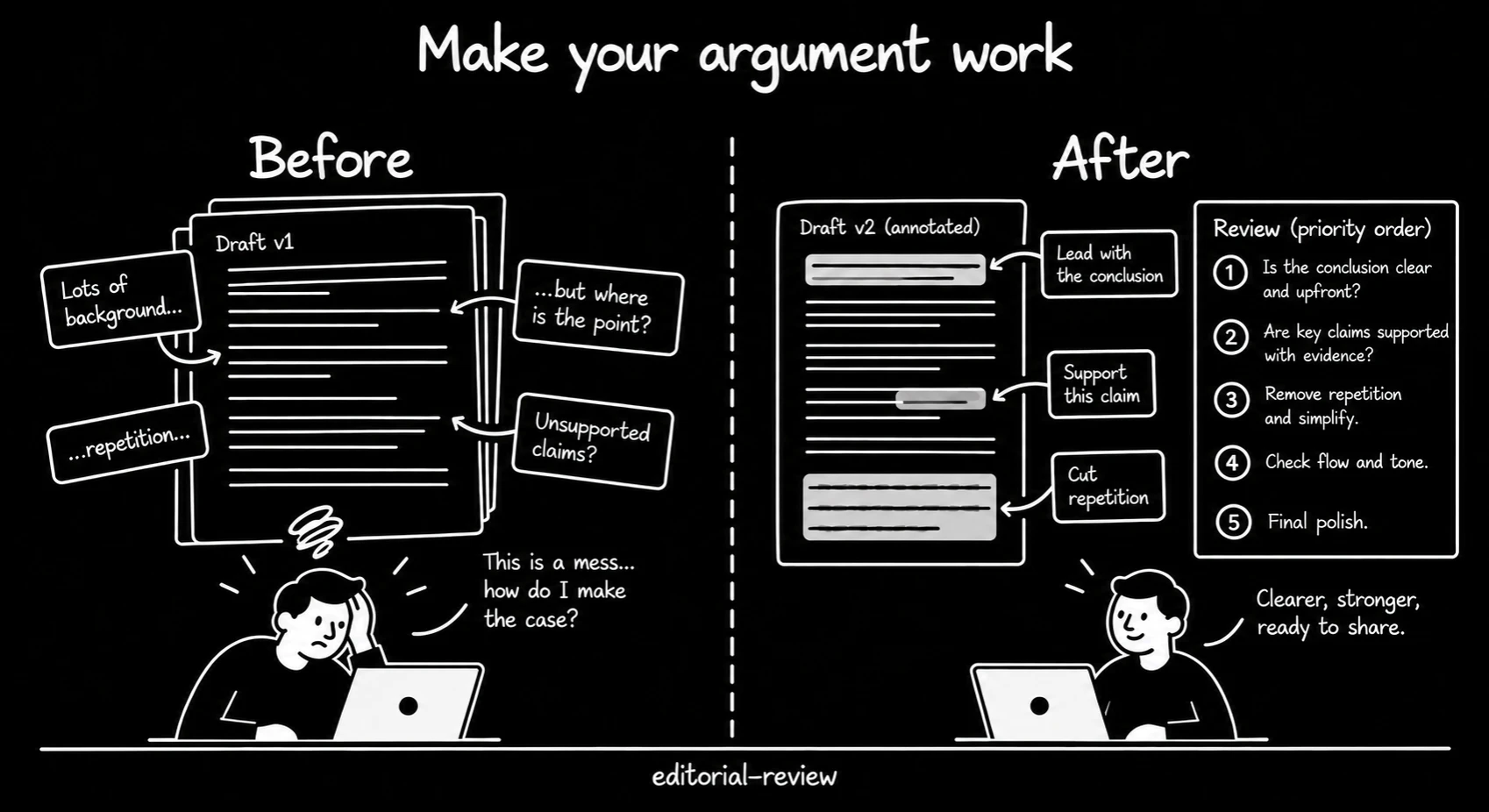
Reviews prose and argument through six lenses: structure, argument, thought leadership, prose, machine-written voice, and visual evidence where charts appear. The report quotes each problem and proposes a specific correction.
Use it before publishing an essay or circulating a report. Choose a quick pass, full review, deep rewrite or voice check. It has no dependencies or configuration; supply the piece and any source notes needed to check a rewrite.
skill-manager
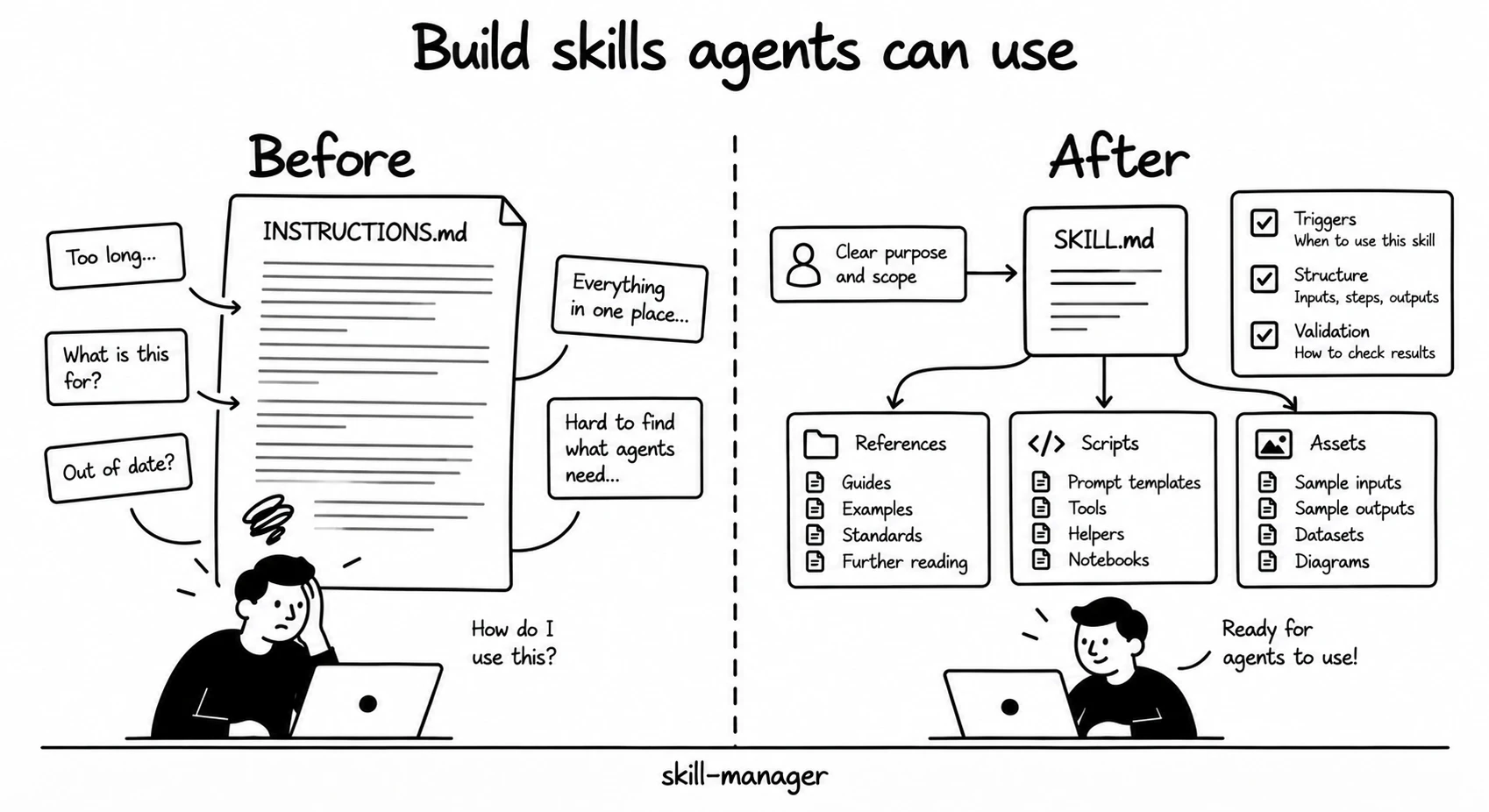
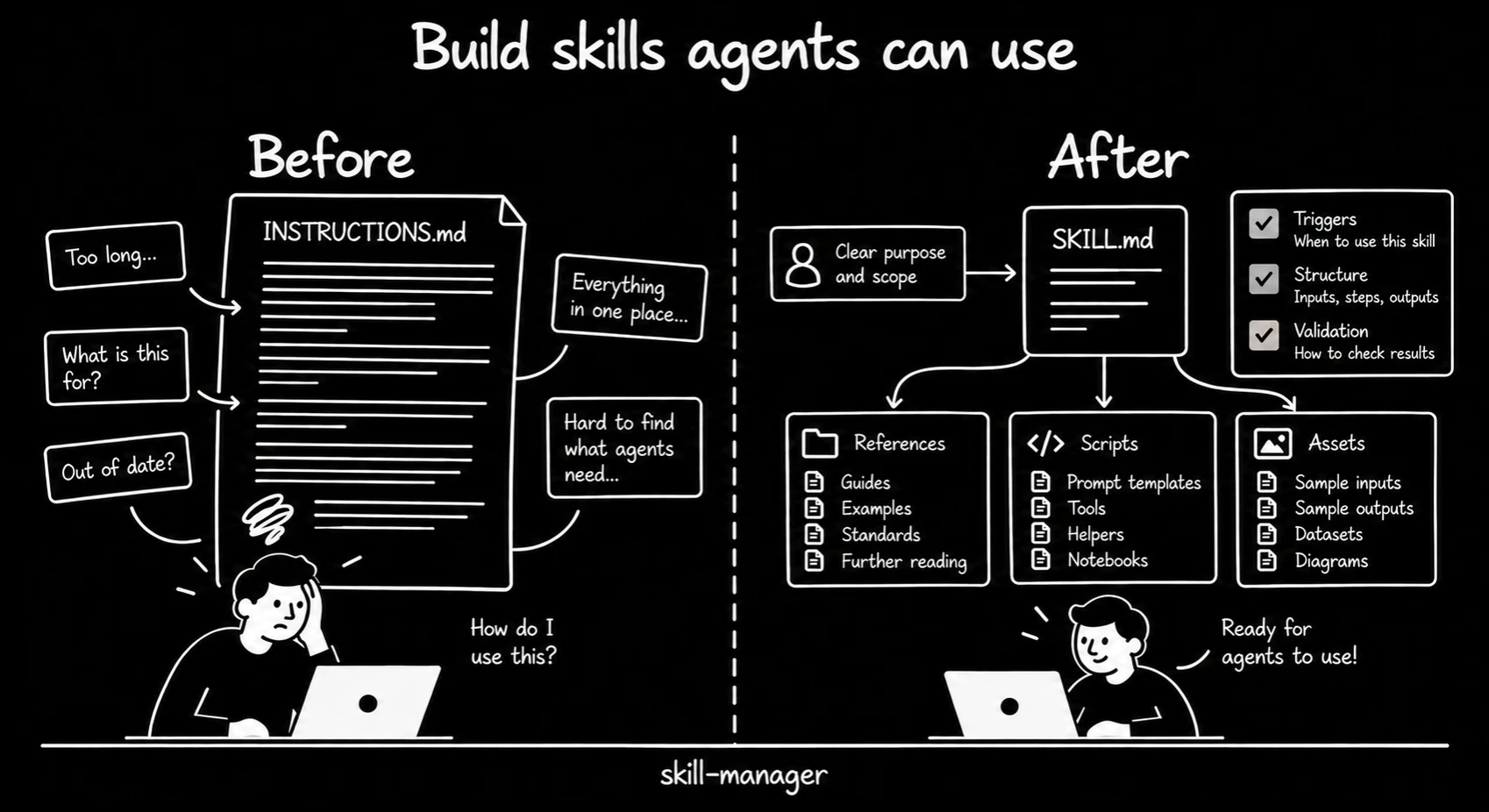
Creates and reviews skill folders, descriptions and routing files. It provides an authoring specification, a pre-ship checklist, naming rules, a validator and a whole-tree audit.
Use it to write a new skill or check one before release. The validator needs Bash. The whole-tree audit requires the Claude Code Workflow tool; other hosts can use the validator and review checklist.

My tools · GitHub
public-tools
Open source · small Mac tools
Small Mac tools, shared as they are. The first is the daily wallpaper calendar I run through Plash.
07 / 12
Agentic engineering skills & workflows
These skill collections give agents methods to clarify a brief, plan work and check results.
From Lauren Tan, Matt Pocock and every.to
Skill collections & workflows
pstack sets how each task runs. Compound Engineering records what the task taught, so the next one starts ahead.
Plugin · default process
pstack
Lauren Tan · how each task runs
I use it for every feature, bug fix, refactor, performance issue and investigation. poteto-mode reads the goal and selects one of 23 playbooks. The agent then builds, runs and checks the change until the evidence shows that it works.
Cursor runs the published plugin. Claude Code, Codex, Grok and Muse run one direct port of the same files.
Visual notes: the method, the loops and the full inventory →
Plugin
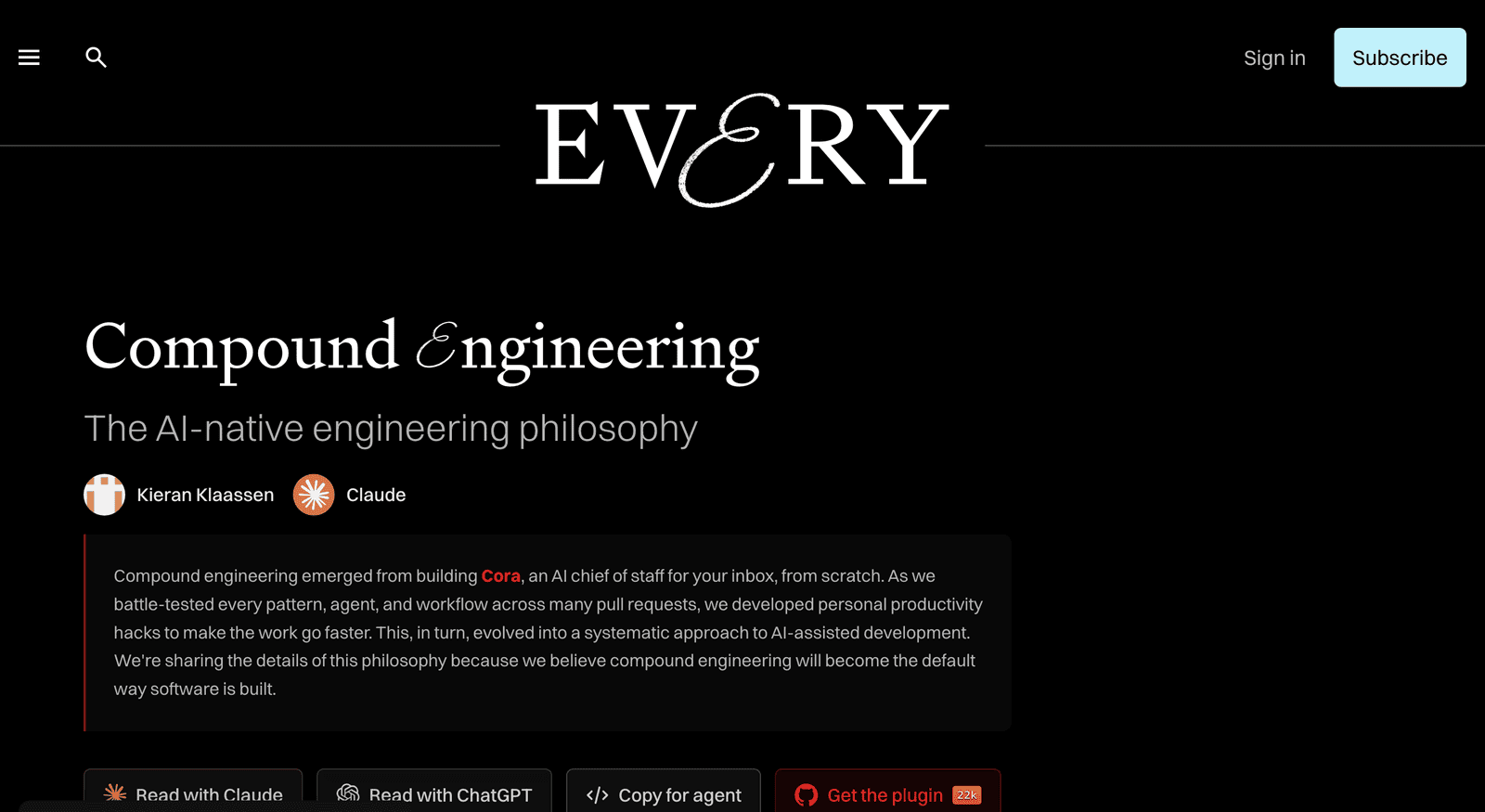
Compound engineering
Engineering workflow package
Every’s skills organise work into a cycle of planning, implementation, review and recorded learning. Its Compound step writes each solved problem down for the next run. Wider Astro builds still go through the full cycle.
I use grill-me and wait-what most.
grill-me interviews me to sharpen a plan. wait-what asks the agent to explain its last answer again, with context and simpler language.
Available as a Claude Code plugin or editable skill files for Codex and other agents.
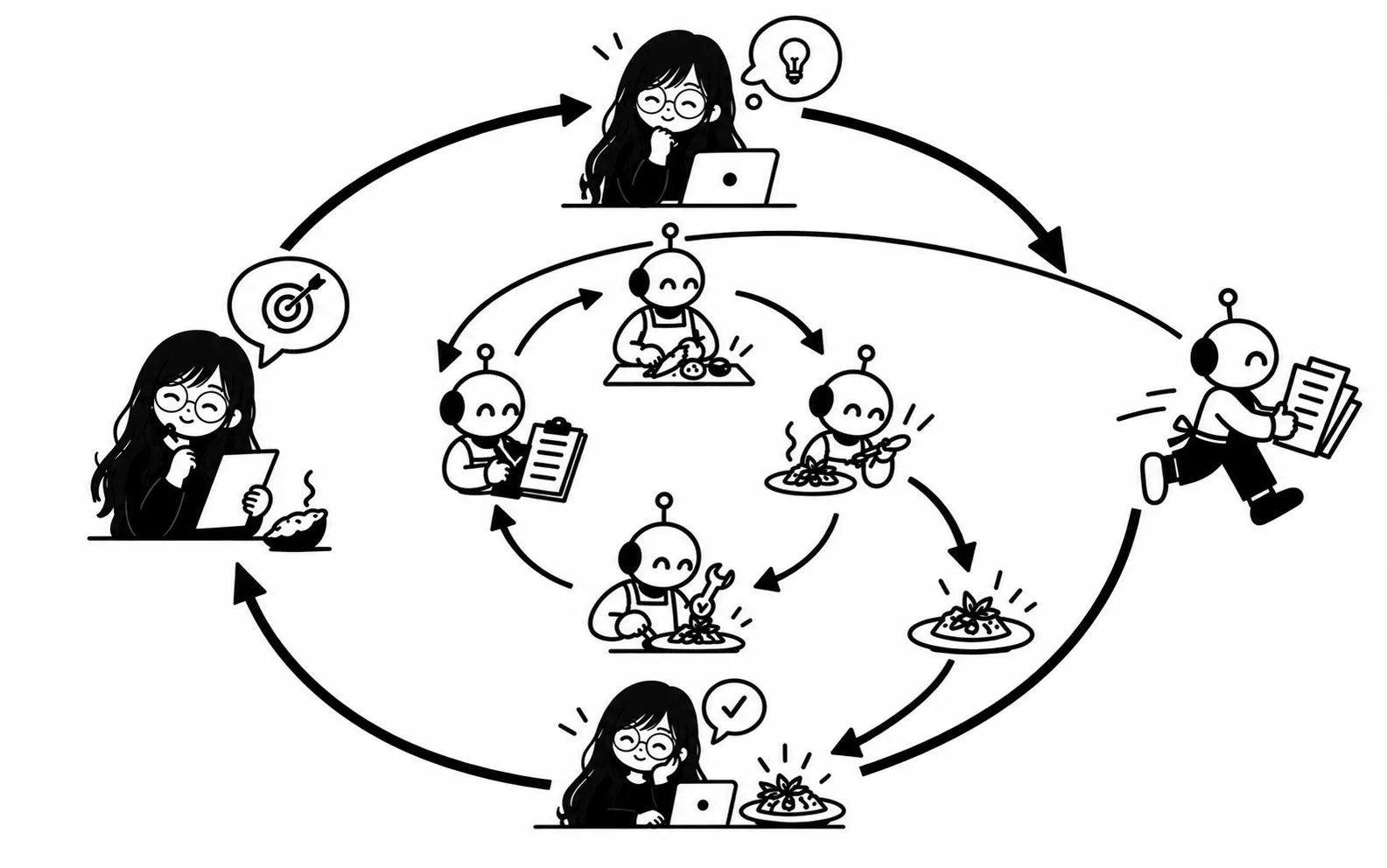
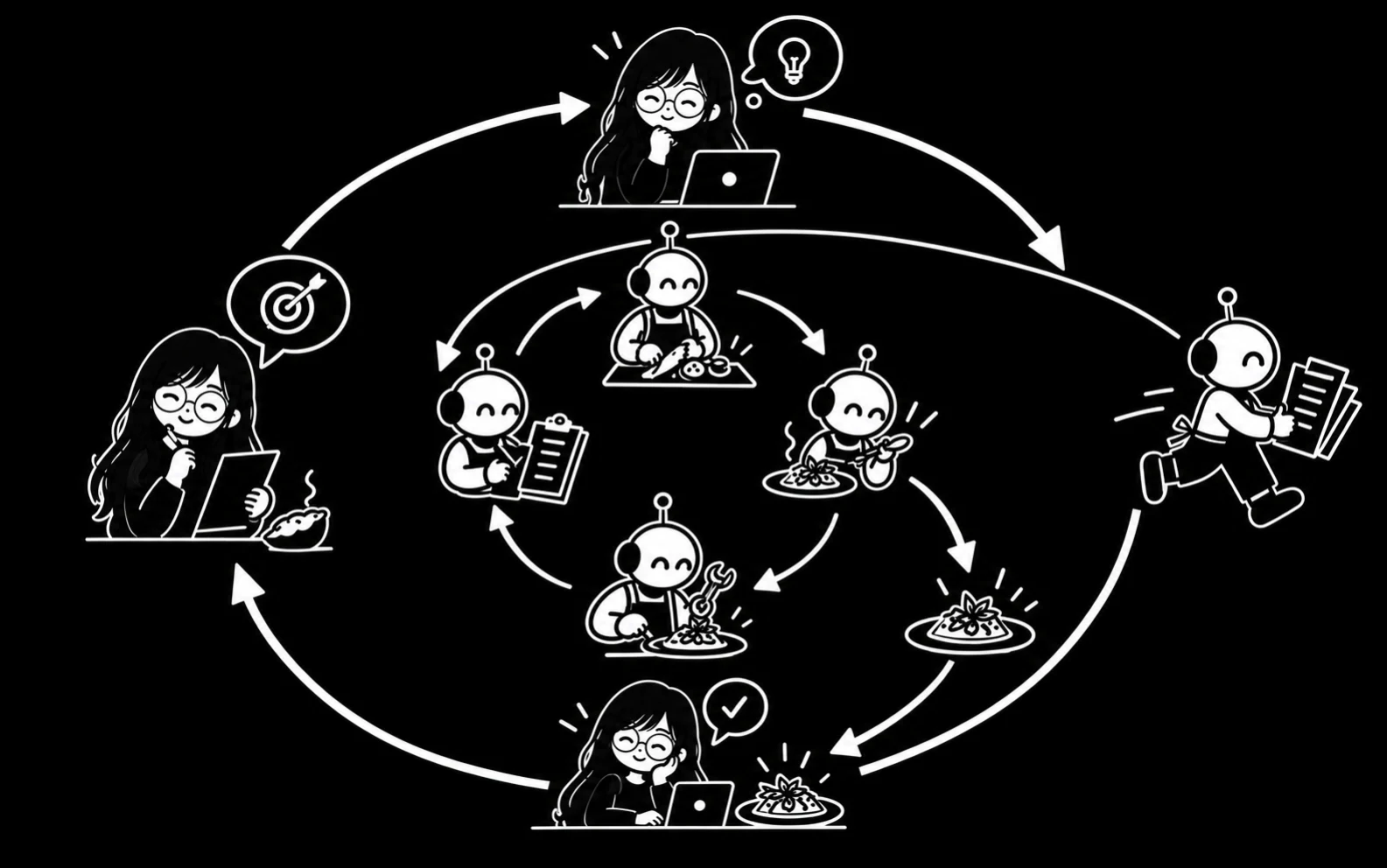
The pstack loop
Intent → Route → Build and check → Prove. The human directs the outer loop and the agent runs the inner one.
Set intent
I set the goal and judge the result. This outer loop stays with the human.
Route
poteto-mode reads the goal and selects the playbook for the task.
Build and check
The agent implements, runs and inspects the change, then corrects it. This inner loop repeats until the result holds.
Prove
The change is checked against the real artefact before it is called done.
The Compound Engineering loop
Brainstorm → Plan → Work → Review → Compound. Record what worked so the next change can use it.
Brainstorm
Clarifies an idea and agrees the requirements before coding.
Plan
Researches the codebase and writes an implementation plan.
Work
Executes the agreed plan and checks the result. Use an isolated worktree when changes run in parallel.
Review
Reviews the change for correctness and risks, using the specialists needed for the task.
Compound
Writes the solved problem into docs/solutions/, so the next run starts ahead.
LFG
Coordinates the workflow from a requirement through implementation and review.
08 / 12
Loops
A loop repeats a task until a check passes or a stopping condition applies. These tools help me design a loop and check it before it runs.
Designing a loop
A loop needs a task, a check and a stopping condition. A schedule controls when it starts.
Loop library
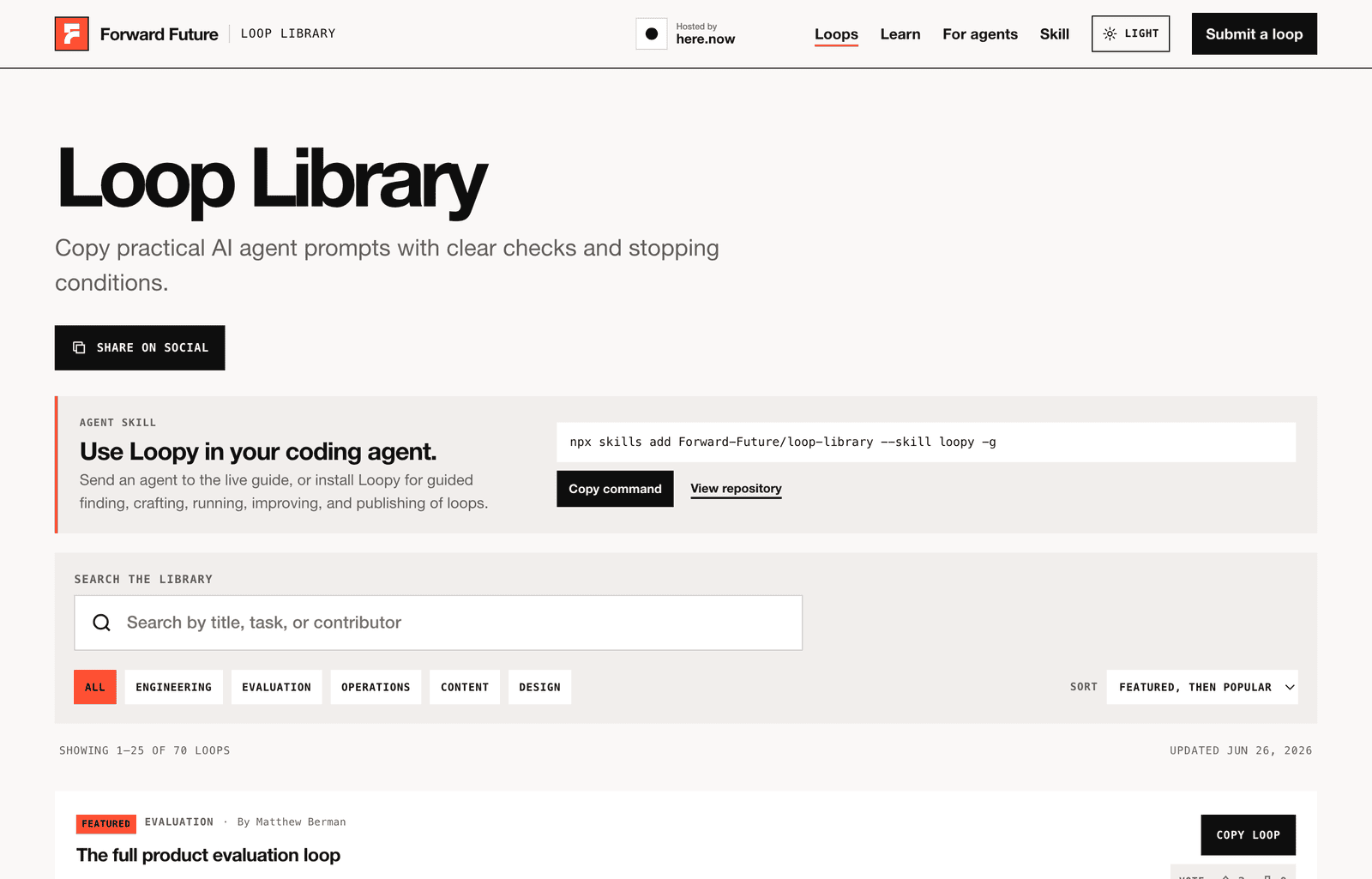
Loop Library
Free
Forward Future’s collection of agent workflows with success checks and stopping conditions. I use it as a source of patterns for repeated work.
looper
Helps design an agent loop and review its scope, checks and stopping conditions before it runs.
Open source · Free
autoresearch
Andrej Karpathy’s research loop runs short model-training experiments and keeps changes that improve the chosen metric. I use the keep-or-revert pattern in other work too.
Open source
Hooks run commands at selected events in an agent session. Scheduled jobs start work at set times. Scripts hold the repeatable steps that those hooks and jobs call.
09 / 12
Images
The tools I use to generate and edit images.
Image tools
OpenAI
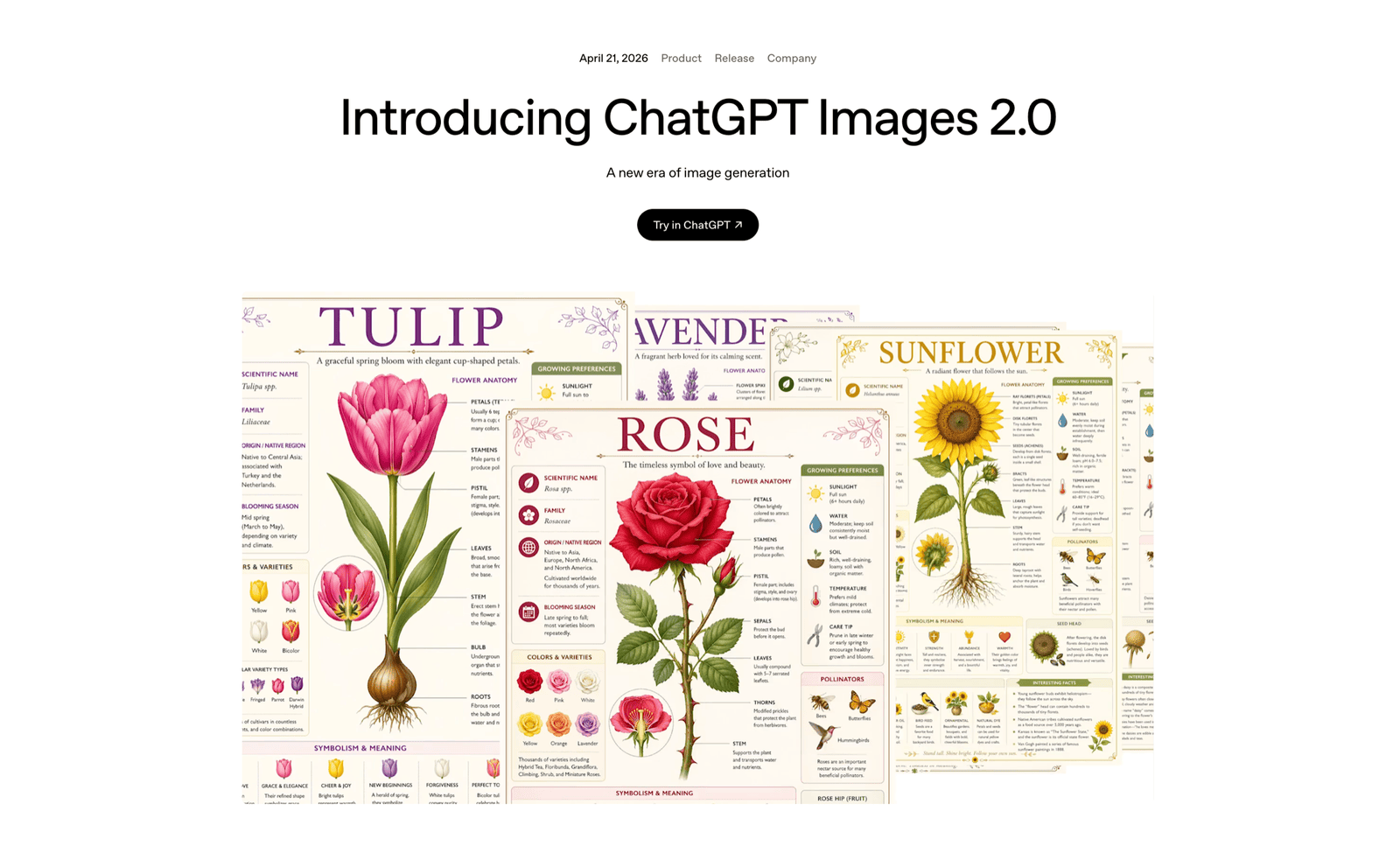
ChatGPT Images
Image generation and editing
I use it to generate images from a brief and refine them through conversation. The current release is Images 2.5, checked in September 2026.
Google AI Studio
I use Google’s interface for Gemini image generation and editing. The available models and limits are listed in AI Studio.
Image generation and editing
For presentation workflows, see frontend-slides and hands-on-deck in Skills.
10 / 12
Voice & dictation
I use speech to draft prompts, discuss problems and record meetings.
Voice
A lot of my first drafting happens out loud.
Dictation
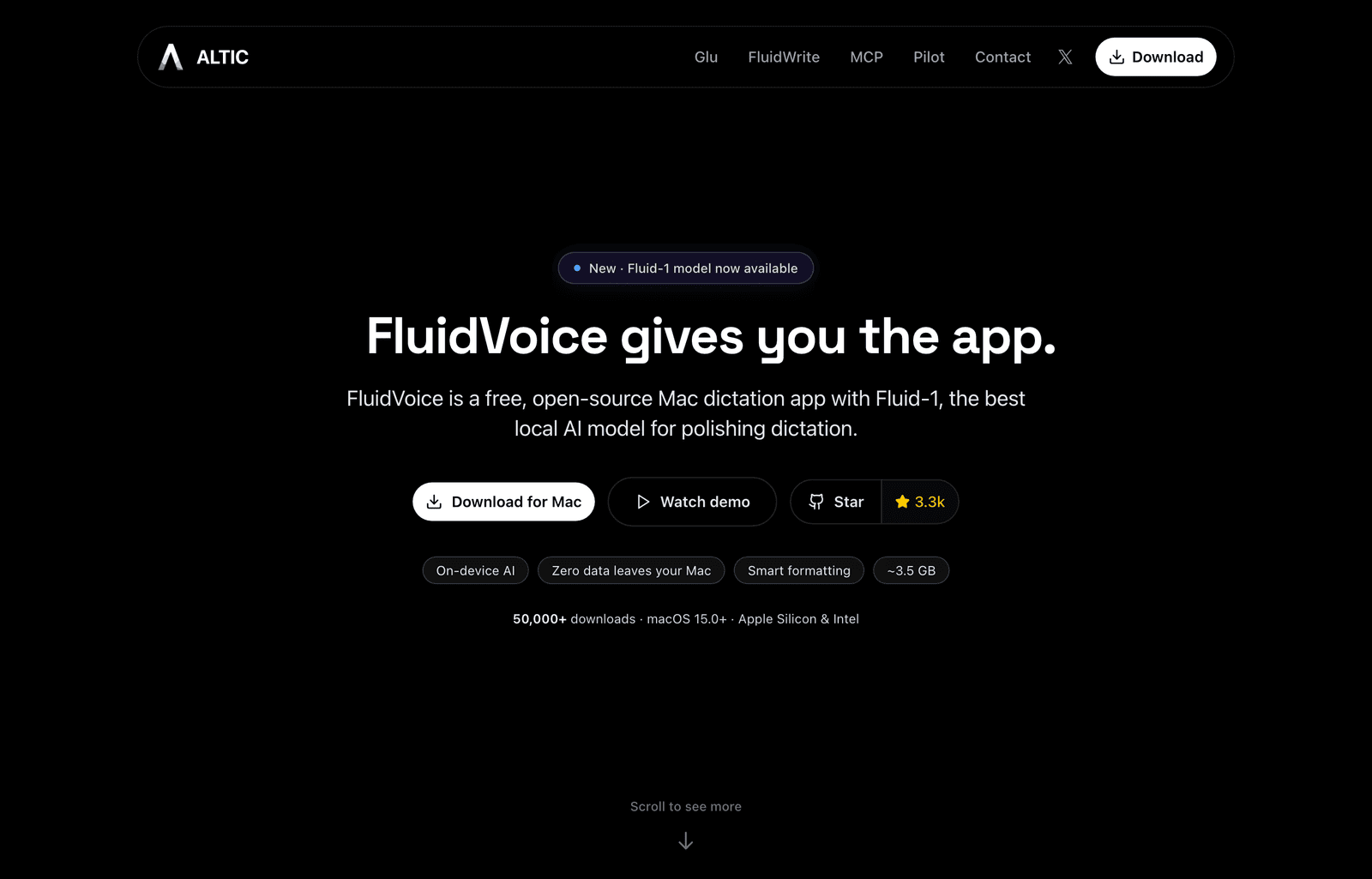
FluidVoice
Open source
I use this Mac app to dictate prompts and drafts. It supports local transcription. I check names and file paths before sending the text.
Grok Bot voice
The best two-way voice conversation I have used, as of early October 2026. It is better than ChatGPT voice.
Included with Grok Bot
ChatGPT voice
I talk a problem through in the ChatGPT app on a walk, then return to the notes at a keyboard.
Included with ChatGPT
Otter
I use Otter to transcribe voice recordings and meetings, then turn the transcript into a structured note.
Voice and meeting transcription
11 / 12
People I learn from
Who I learn from. Several of the tools above came off these timelines before they reached anywhere else.
People I follow on X
The people whose tools and explanations I return to.
Lauren Tan
Known as poteto. Lead engineer on Grok Bot and the author of pstack, my default engineering process in section seven. Her talk on shipping 2,500 pull requests in a month is in section twelve.
Matt Pocock
I use grill-me and wait-what from his skills collection. His work connects clear requirements to engineering practice.
Peter Steinberger
The developer behind CodexBar and RepoBar, two tools I use to keep agent and repository activity in view.
Artem Zhutov
His session-management skills and cmux guide helped shape how I work with agents.
Andrej Karpathy
His wiki pattern informs my wiki workflow in section four. The autoresearch loop in section eight is also his.
Garry Tan
The creator of gstack, an opinionated Claude Code setup.
Matt Van Horn
The last30days research skill in section six.
Thariq Shihipar
Engineer at Anthropic working on Claude Code.
Boris Cherny
Head of Claude Code at Anthropic. Shares how the team uses coding agents in its own work.
Matthew Berman
AI educator and YouTube creator covering new models, tools and practical tutorials.
12 / 12
Agentic engineering videos
Talks, interviews and walkthroughs that show how people build with agents.
Talks I recommend
Single videos worth the time.
Talk · X video
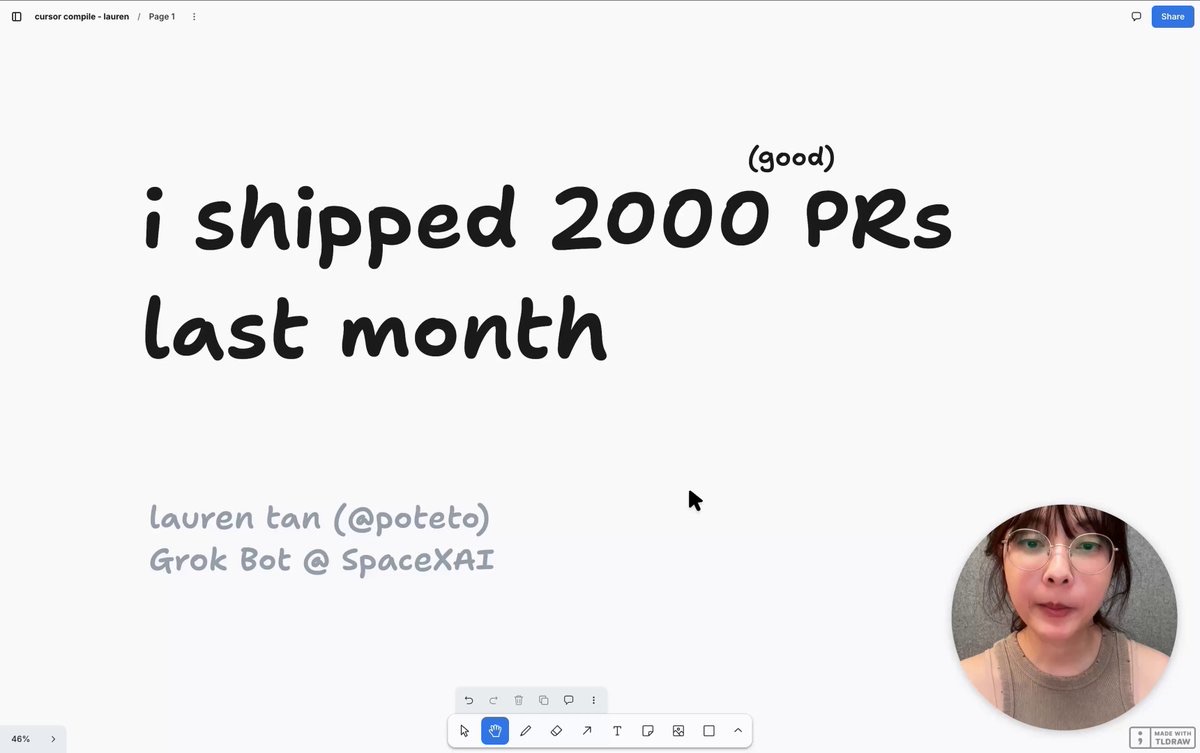
Lauren Tan: 2,500 pull requests in a month
Watch at 2x speed
How Lauren ships thousands of changes to production with agents. She wrote it for Cursor Compile in London and released it free on X. Watch it at 2x speed, as she suggests.
Video · YouTube
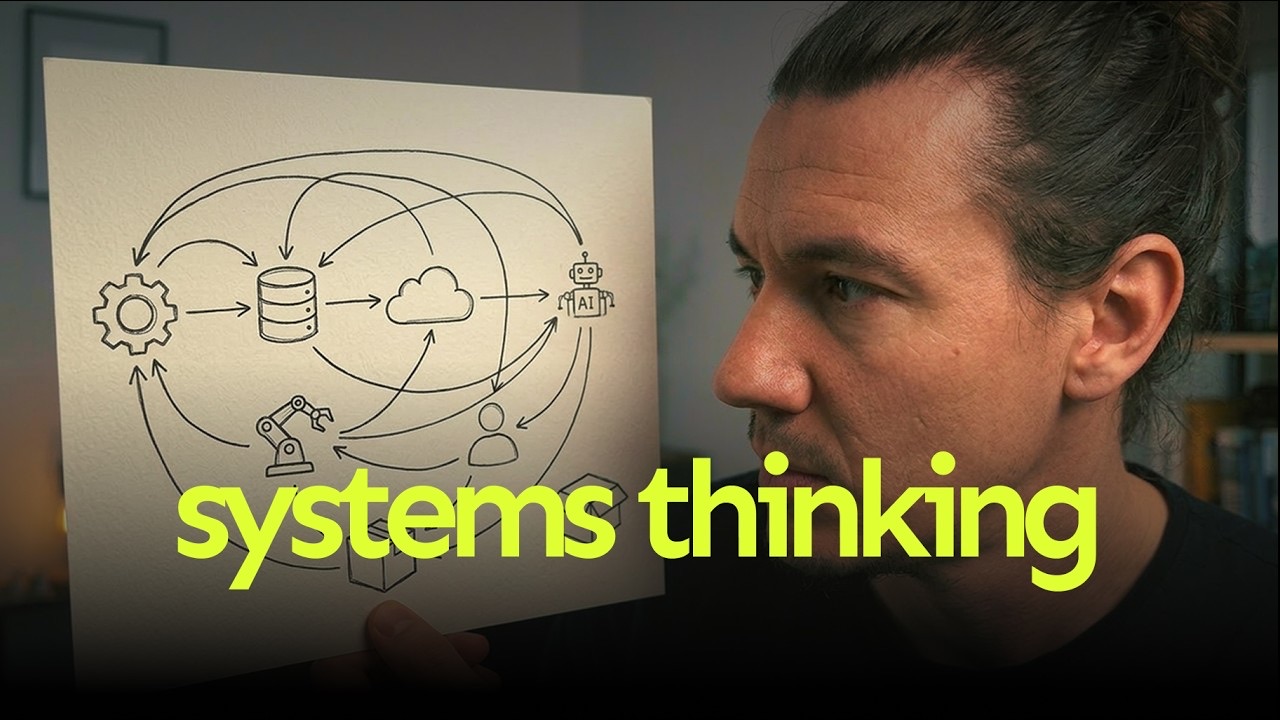
Hak: systems thinking
Is this the only skill left?
His video on systems thinking as the skill that matters most when AI writes the code. It explains how to reason about the whole system the agent changes.
Channels I follow
YouTube channels I return to for agentic engineering.

Interviews · YouTube
Matt Pocock
Interview with Lauren Tan
His interviews are excellent. One of the best is his live conversation with Lauren Tan about how she ships with agents at high volume.
Conference talks · YouTube
AI Engineer
From the AI Engineer events
Conference talks and workshops from the AI Engineer events, by the people who build agent tools and use them.
Obsidian · context engineering
Artem Zhutov
Start with his earlier videos
I prefer his earlier videos. They focus on Obsidian and context engineering, with less of the influencer content that came later.
Interviews · setups
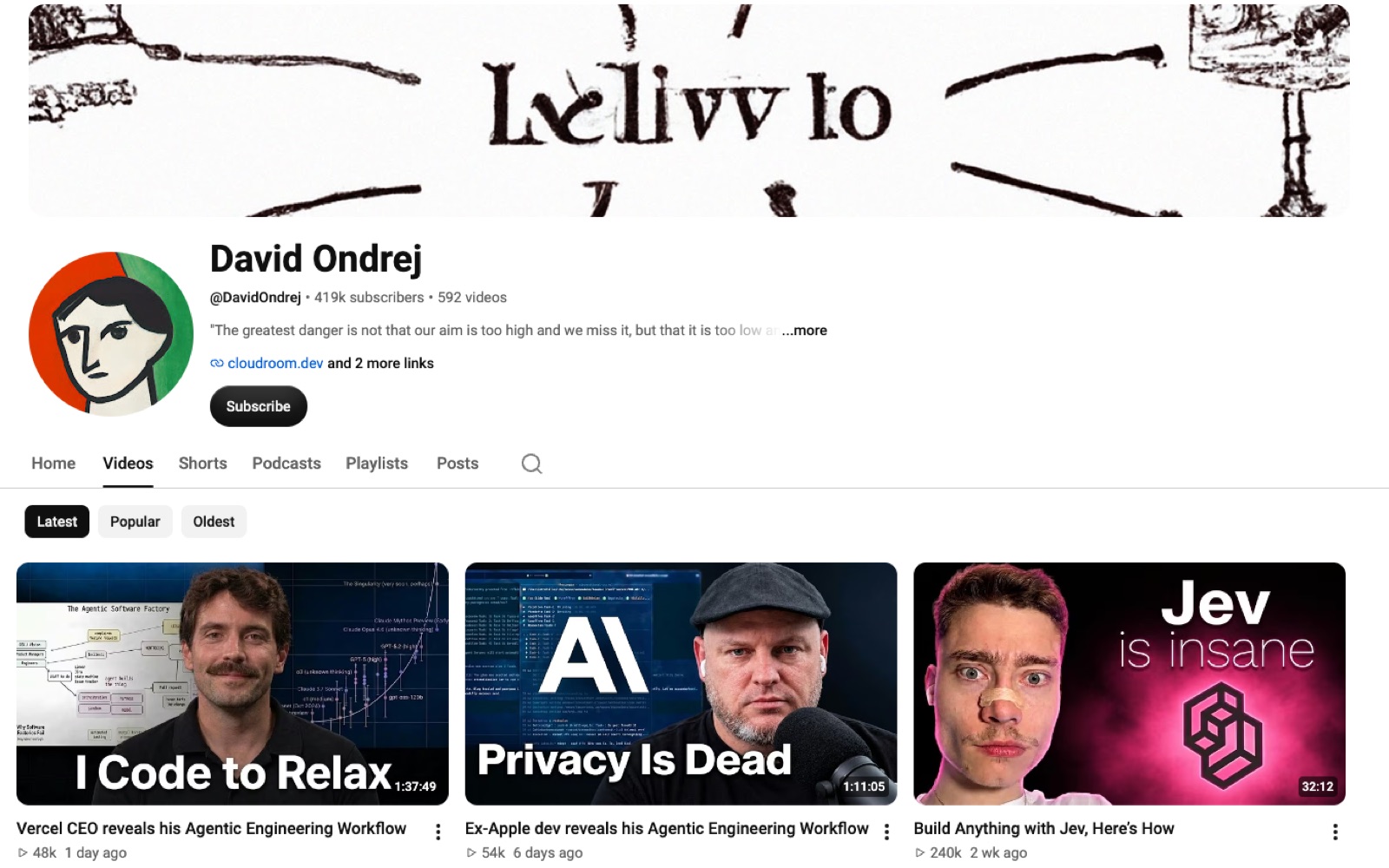
David Ondrej
YouTube channel
A great interviewer. I found his walkthrough of his own agent setup useful.
Interviews · YouTube
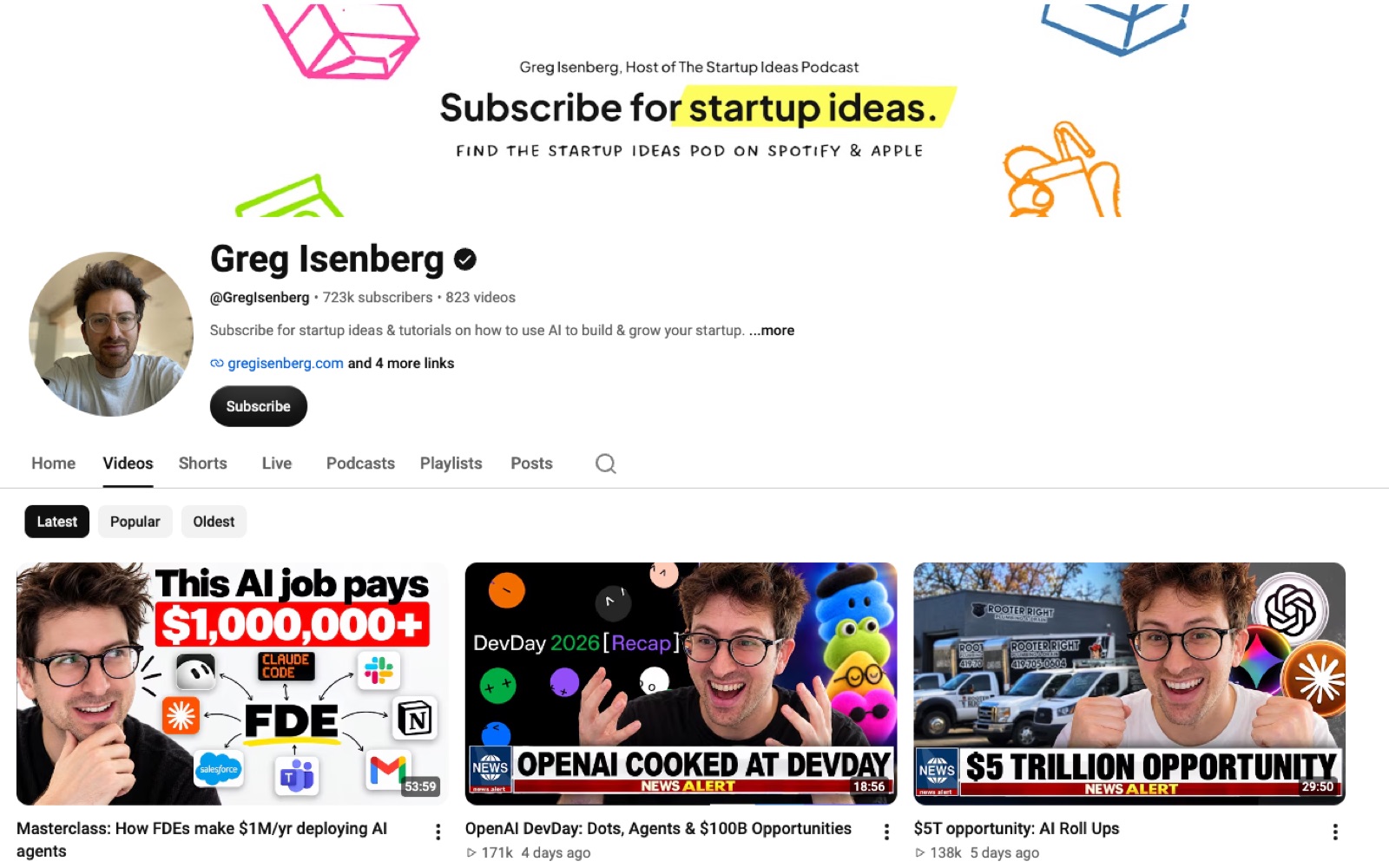
Greg Isenberg
The Startup Ideas Podcast
Interviews with builders about the products and businesses they make with AI.