Complete collection
All eight skills, with the README and AGENTS.md.
Download all ZIP 1,060 KB
Agentic engineering for knowledge workers.
I’ve created around 90 skills for my own work. These are eight I’ve chosen to publish to help other knowledge workers organise context and coordinate AI agents for analysis, research, writing and presentations. The collection includes my main AGENTS.md instruction file, which directs agents to the context and skills each task needs.
All eight skills, with the README and AGENTS.md.
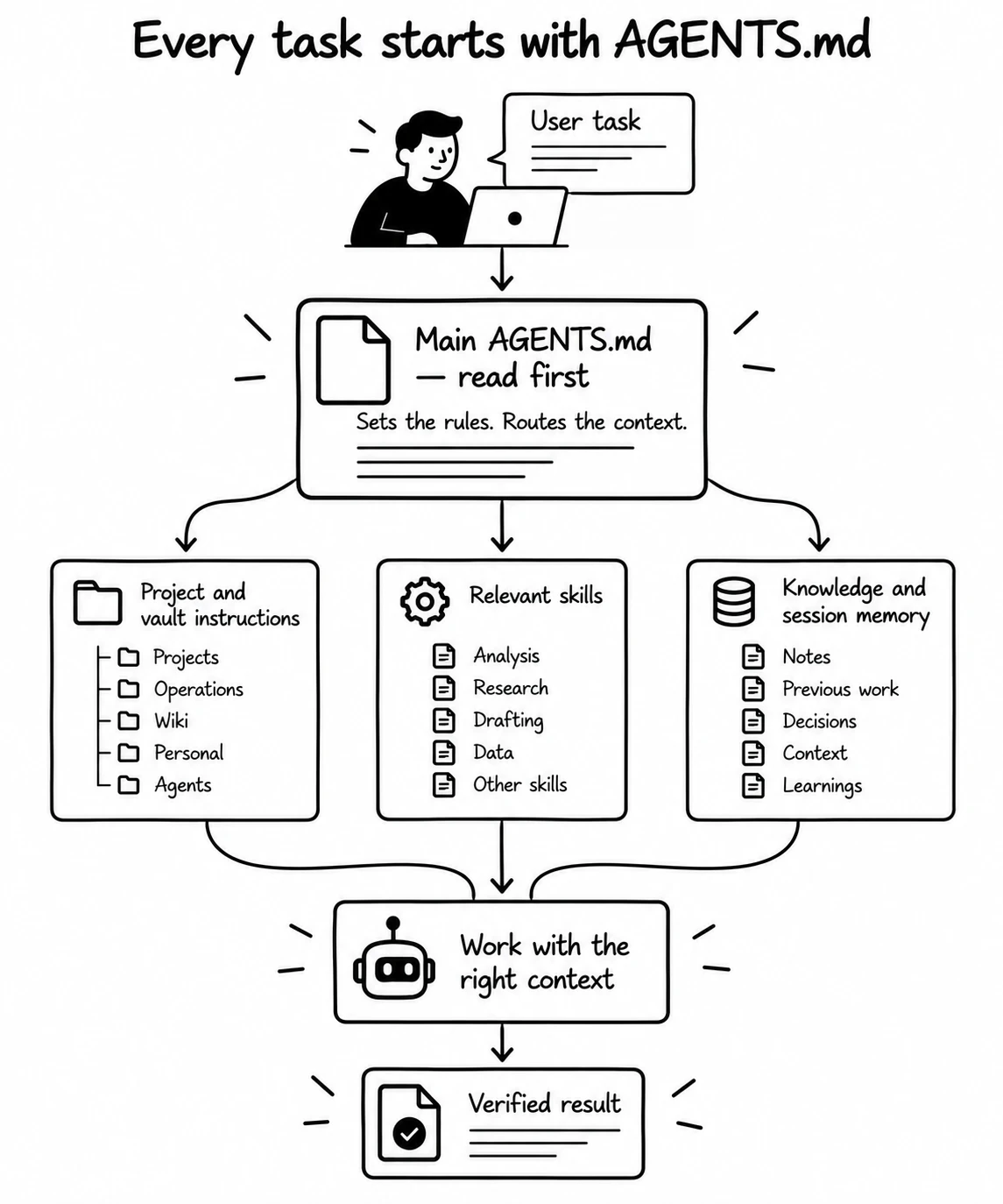
The main AGENTS.md is the entry point for the whole setup. It sets shared rules and directs the agent to the project or vault instruction file, the relevant skill and the session knowledge needed for the task.
Use the public example as a starting point and adapt its paths and rules to your machine. Keep local instructions at each project or vault root so the agent reads the rules for the place where it works. The collection includes this public instruction file.
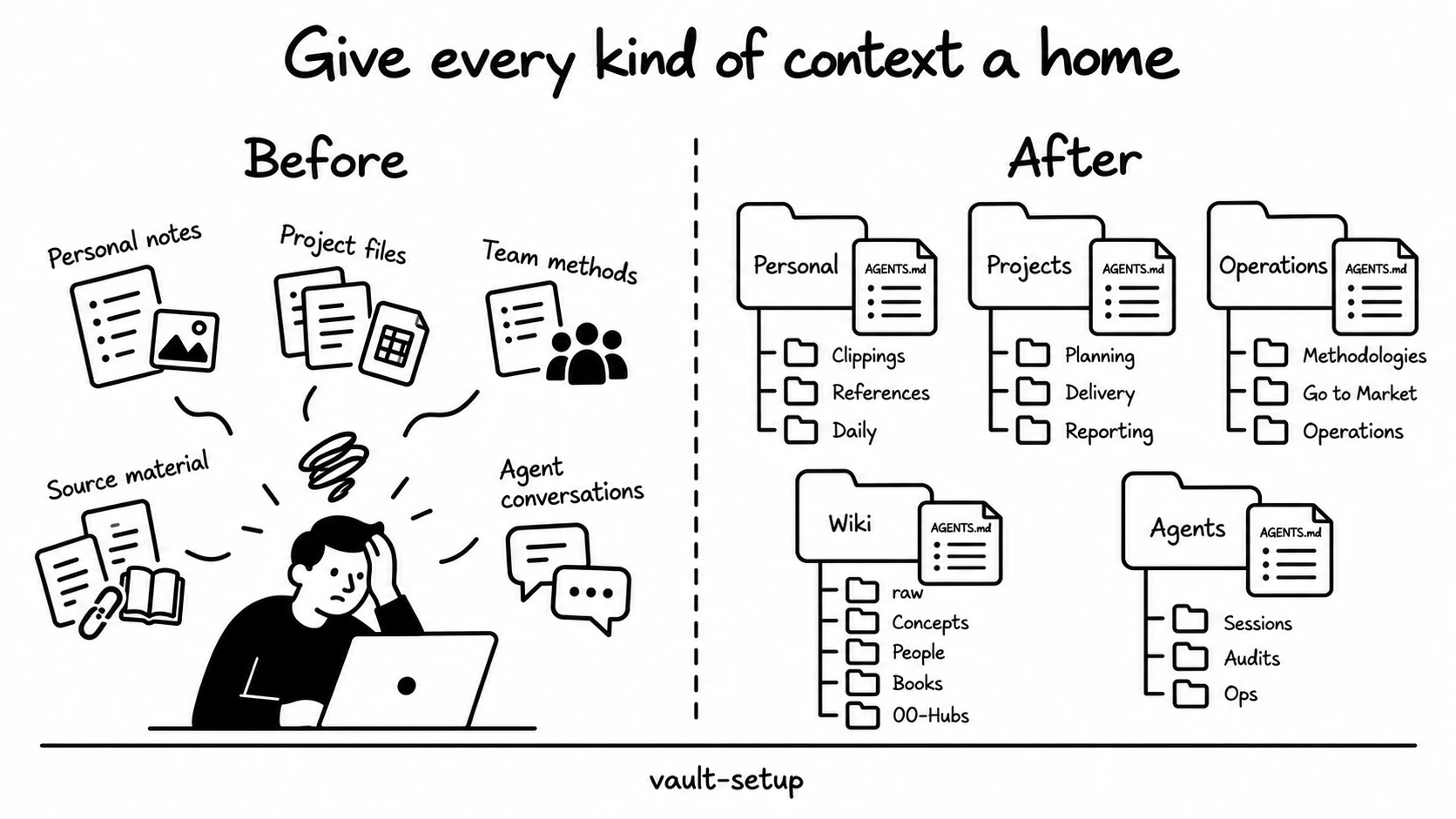
Creates each vault type with its folder tree, templates and instruction file
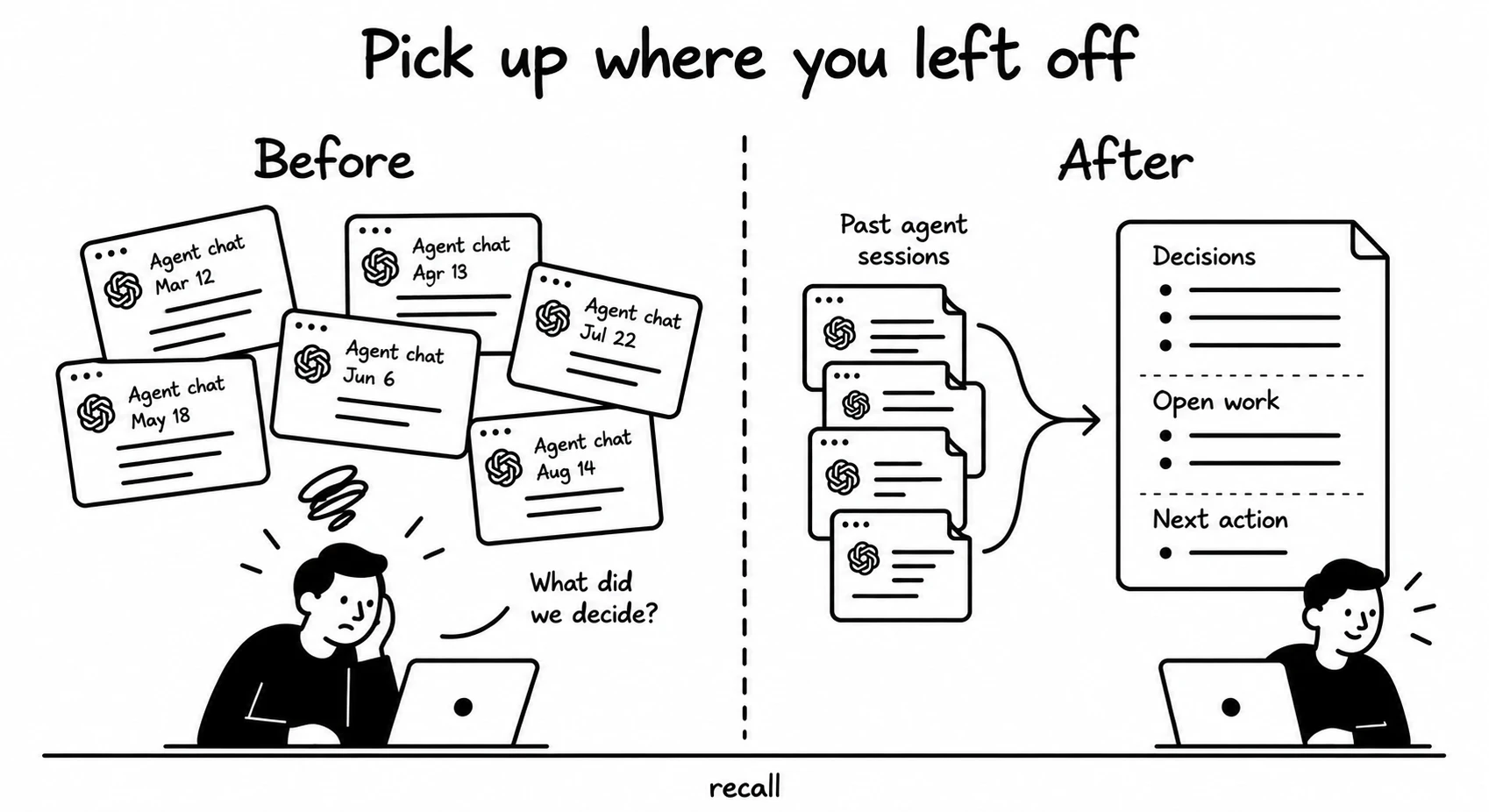
Finds past work in session notes where available, with native transcripts for missing detail or a setup without notes
Graph mode uses networkx and pyvis. Session search uses your notes or native transcripts.
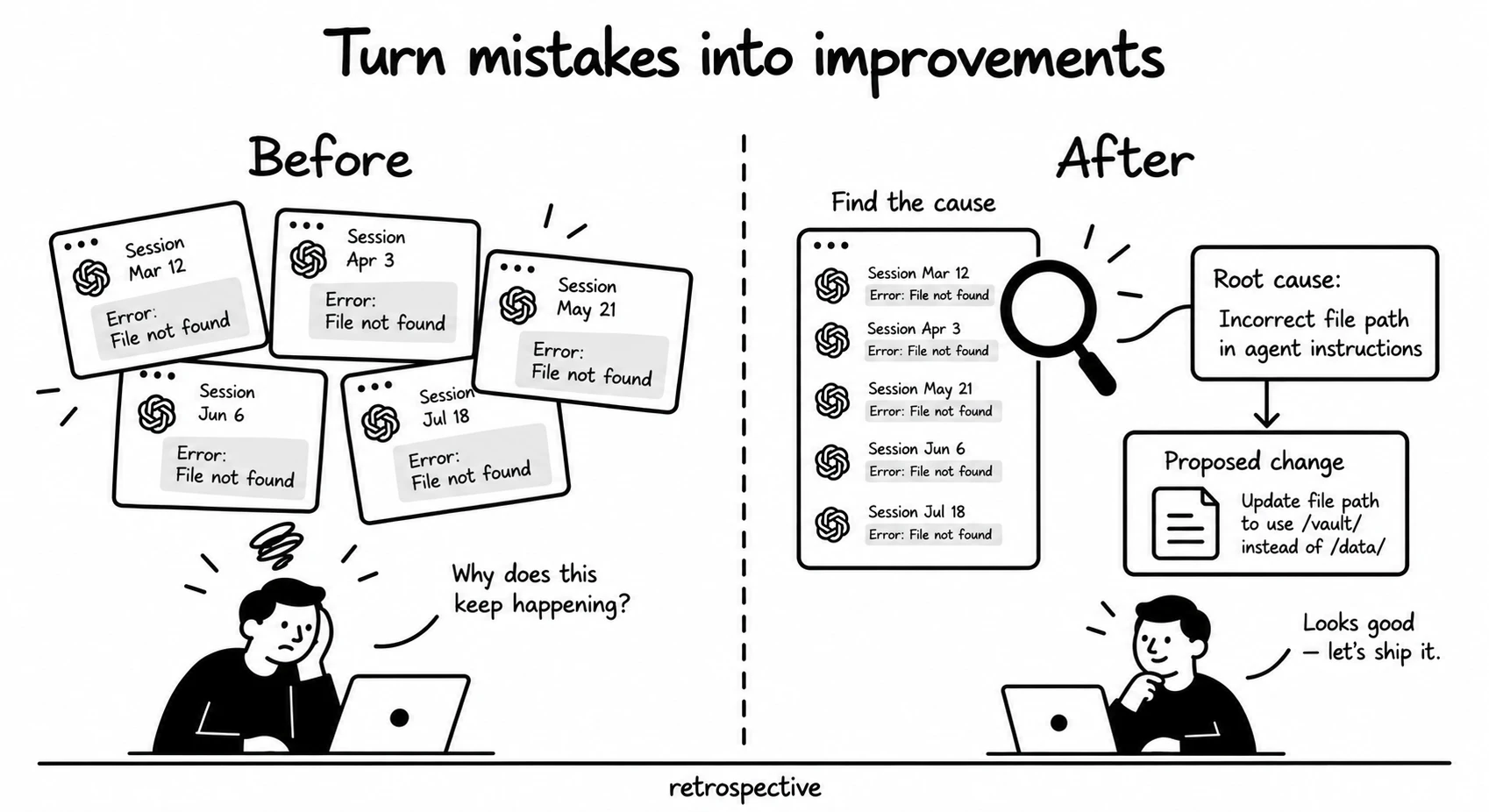
Reviews a session or a bounded recent sample, verifies repeated problems and proposes small fixes. Uses recall for historical evidence
Install recall for reviews of earlier sessions. Reviews of the current conversation run alone.
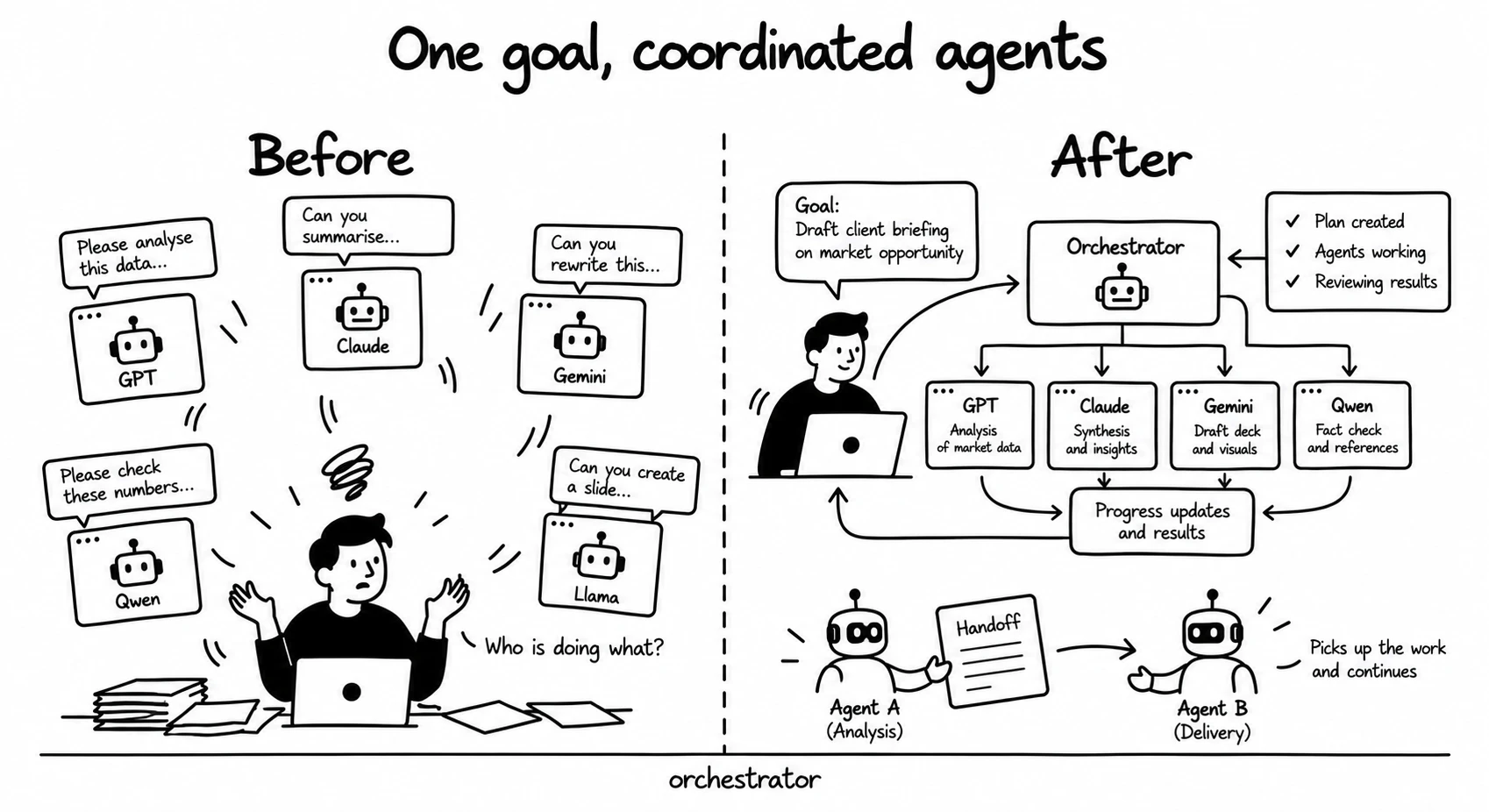
Coordinates workers, routes each job to a model and effort level, and hands a session on before its context runs out. Owns the routing table, the category rule and the resolver
Install the cmux companion skill and PyYAML. Configure the routing table before spawning workers.
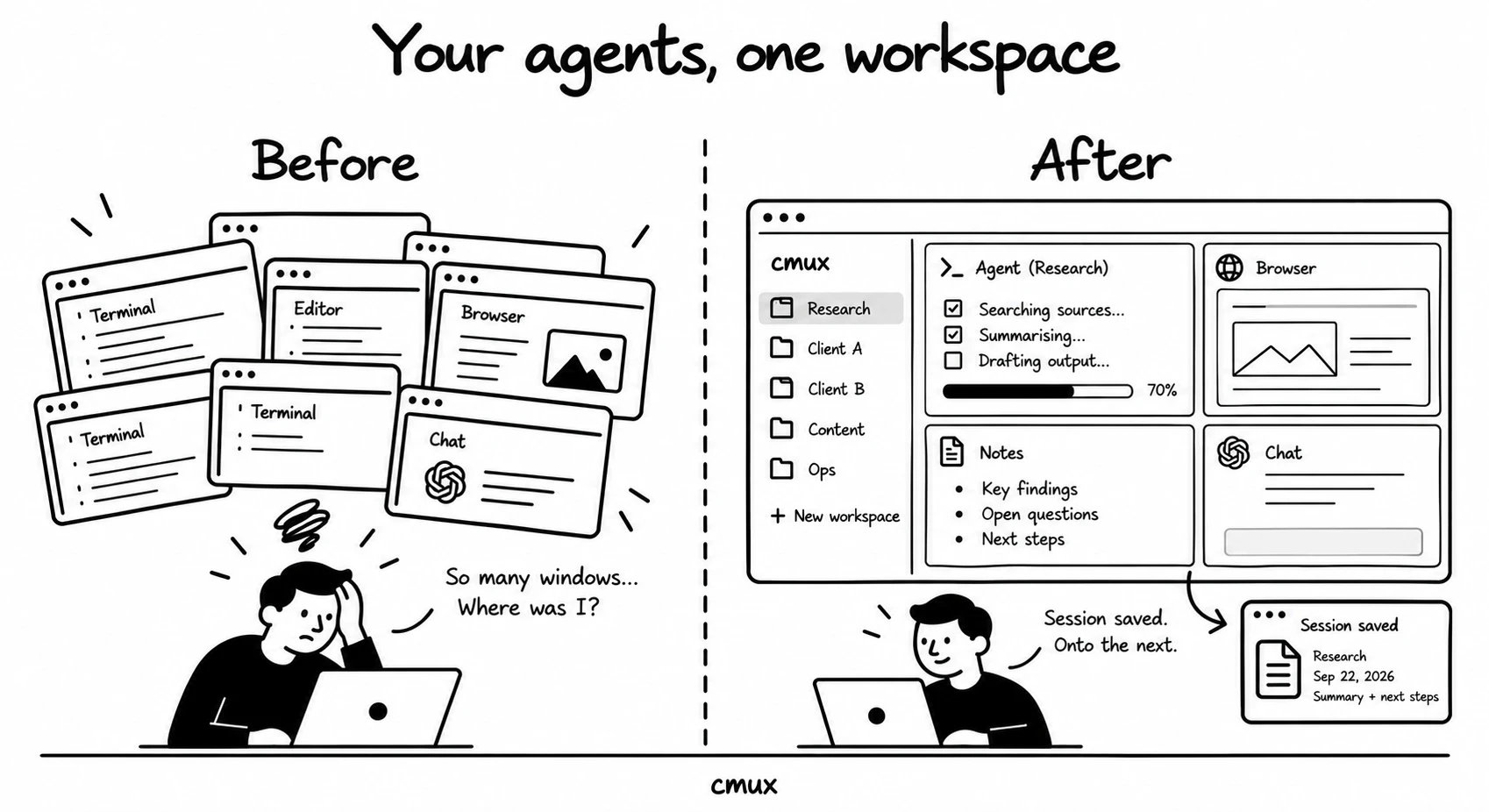
Starts and closes workspaces and writes their session notes. It calls the orchestrator to route
Install the cmux application and the orchestrator companion skill.
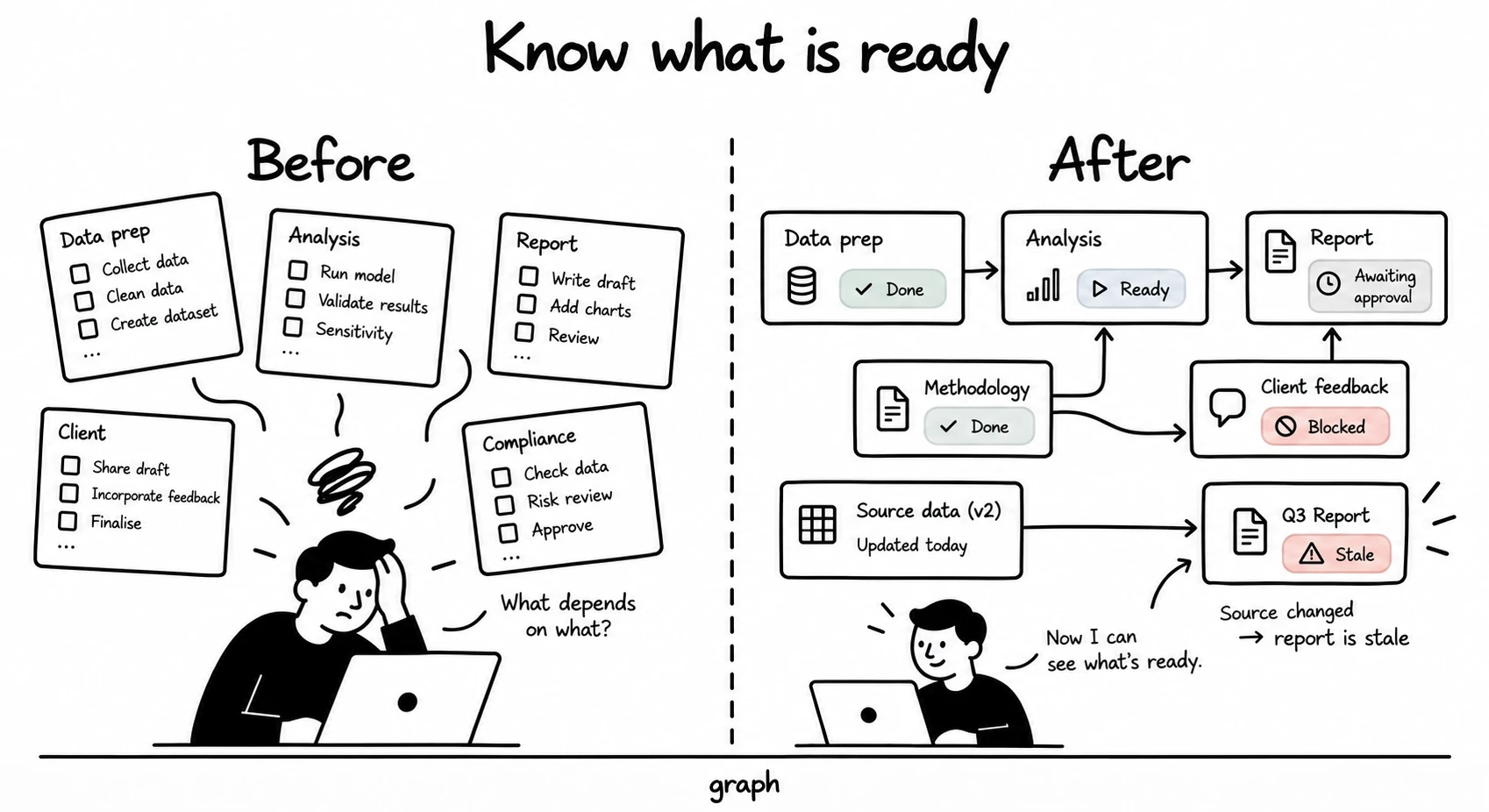
Tracks a programme of work as a dependency graph, and marks a node stale when its inputs change after its output was built
Install PyYAML.
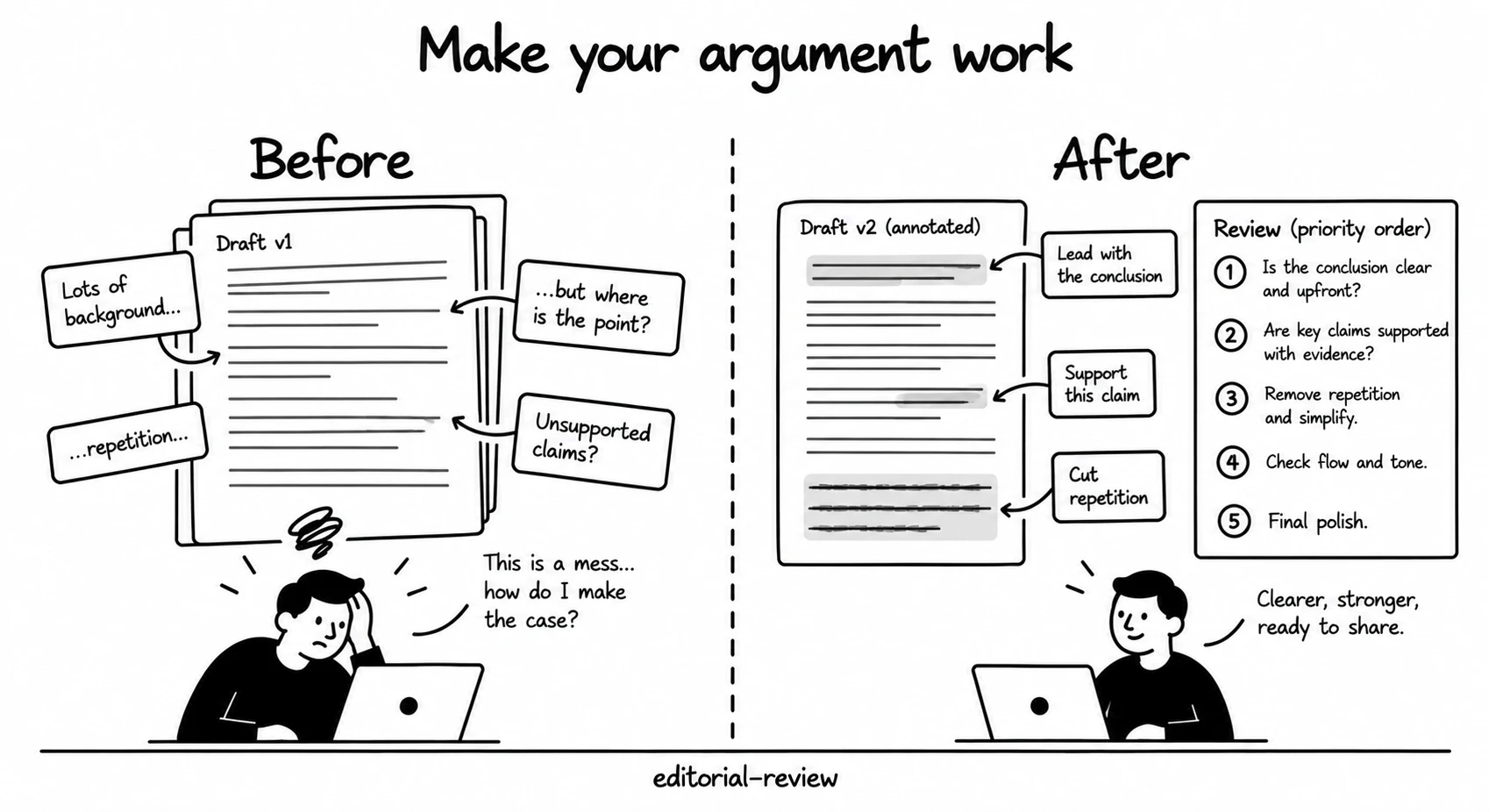
Checks prose and argument before it goes to a reader, including the tells that mark machine-written text
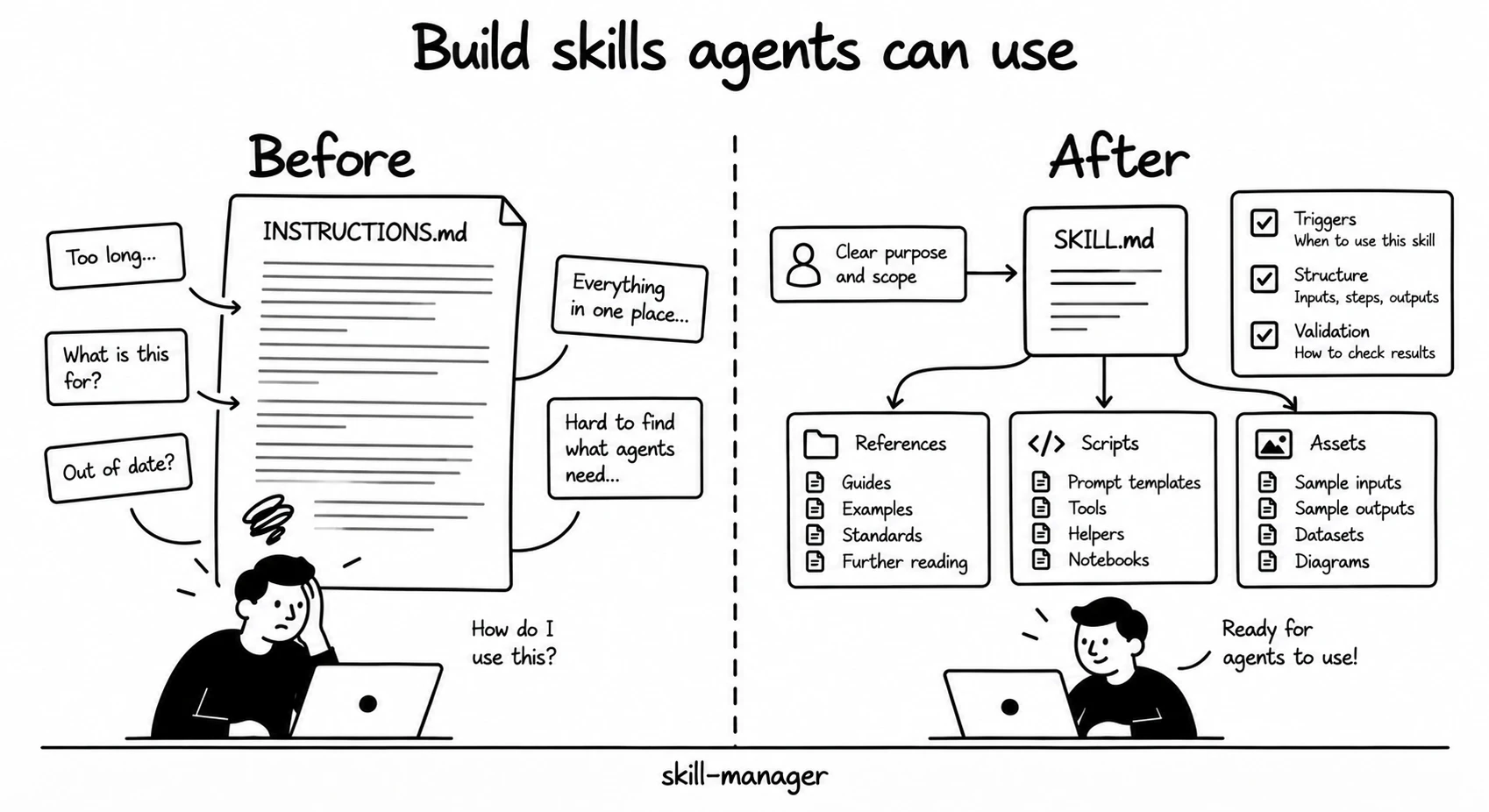
Writes and reviews new skills: description rules, a pre-ship checklist, a validator and a whole-tree audit
The validator needs Bash. The whole-tree audit needs the Claude Code Workflow tool.
A skill is a folder with a SKILL.md in it. Put the folder where your coding agent looks for skills.
public-skills/skills/.~/.claude/skills/ for Claude Code or ~/.codex/skills/ for Codex. Preserve existing folders and review their contents before replacing them.python3 -m pip install --user PyYAML. Configure the routing table in SKILL.md and references/routing-metadata.yaml before spawning workers.Read the full setup guide. The collection ZIP includes the same README.